
A free Trinity website audit near me: how to pick a provider that will actually show up
Use this guide to choose a provider who can find website blockers, explain the fix plan, and tell you what they need before asking you to hire them.
The short answer
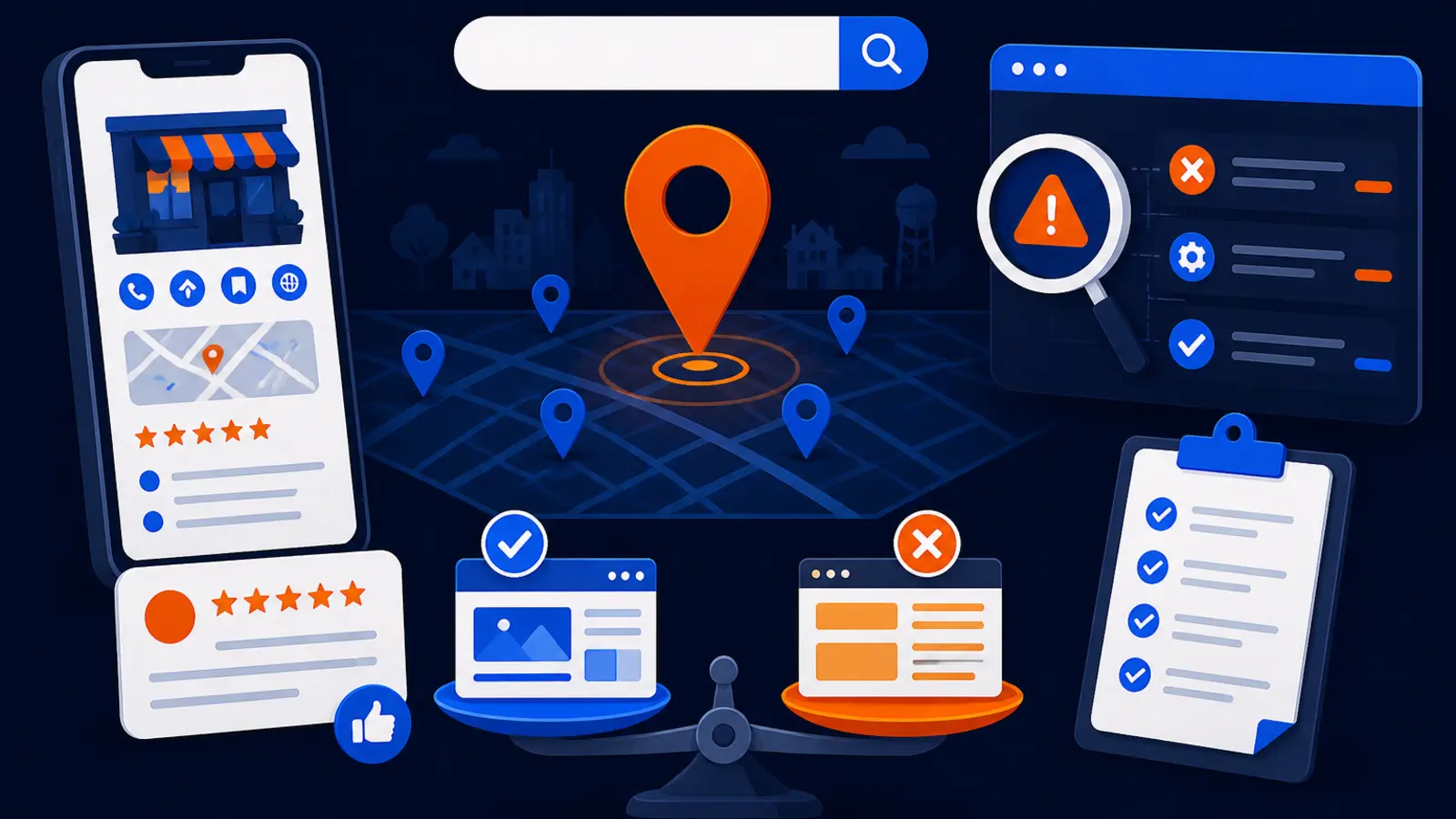
Pick the free Trinity website audit provider who will show you what is blocking Google, local search, and AI crawlers from understanding your site, then explain the fix, access needed, timeline, and limits in plain English before selling implementation.
A good audit should not be a mystery report or a pressure call. It should separate findings into what is urgent, what is helpful, and what is outside the provider’s control. It should also make clear whether the issue is technical, content related, local profile related, or tied to how AI tools can crawl and interpret your site.
For a local business owner, the best provider is usually the one who can answer these items clearly:
- ▸What pages were checked and why they matter
- ▸Whether Google can crawl, render, and index the key pages
- ▸Whether your location, services, and proof of trust are clear
- ▸Whether AI crawlers are blocked or missing useful context
- ▸What access is needed now and what can wait
- ▸What work can be done by your team, your web person, or the audit provider
- ▸What results are realistic and what cannot be guaranteed
What a Trinity website audit should check
A Trinity website audit should look at three practical areas: Google visibility, local search visibility, and AI readability. That means it should not stop at a generic page score. It should connect the issue to whether a customer can find you, understand what you do, and trust you enough to call.
Google Search Central says an SEO audit should give realistic estimates of improvement and the work involved. Google also recommends asking a potential SEO what results they expect, what timeframe they expect, how they measure success, and what experience they have in your industry and city.
The audit should cover the basics first, then move into local and AI issues:
- ▸Can Google access your important pages
- ▸Are your title tags, headings, and service pages clear
- ▸Are location and service details easy to understand
- ▸Do pages have crawl or indexing blockers
- ▸Are page speed and mobile experience causing friction
- ▸Is structured data present and valid where it matters
- ▸Can known AI crawlers read the site where appropriate
- ▸Are trust signals, reviews, photos, and proof easy to find
What to look for before you book the audit
Before you book, look for a provider who explains the process in normal business terms. You should know what they will inspect, what tools they may ask you to share, how long the review usually takes, and whether you will get a live explanation or only a report.
Google Search Central says buyers should grant only read access to Search Console during the audit stage. That matters because an audit should not require someone to edit your site, change your hosting, move your domain, or take control of your Business Profile before you have agreed to a work plan.
Use these checkpoints to judge whether the provider is careful and accountable:
- ▸They ask what services and cities matter most
- ▸They explain why Search Console read access may help
- ▸They do not ask for full admin access just to inspect
- ▸They define what is included in the free audit
- ▸They tell you what is not included
- ▸They show findings instead of only giving opinions
- ▸They explain next steps before discussing price
What the final audit should give you
The final audit should leave you with a clear punch list, not a vague score. If the provider says your site has problems, they should show where the issue appears, why it matters, and what the next action would be.
Google Search Console Help says the URL Inspection tool can show what Google knows about a specific page. It can test the live version of that page and can show whether crawling is allowed, whether the page fetch succeeded, whether indexing is allowed, the Google-selected canonical, and the last crawl date. A provider who is checking Google visibility should be able to explain those ideas without making you feel technical.
A useful audit summary should include these deliverables:
- ▸A short plain-English summary of the biggest blockers
- ▸A page-by-page view of critical findings
- ▸A priority list for fixes
- ▸An access list for implementation
- ▸A realistic timeline for the next stage
- ▸A note on what cannot be promised
- ▸A clear handoff if your current web person will do the work
Seven questions to ask before you sign
Google Search Central recommends asking a potential SEO about expected results, timeframe, success measurement, and experience in your industry and city. These questions help you separate a useful audit from a sales script.
Ask these before you hire anyone after a free Trinity website audit:
- ▸What exactly did you check on my site
- ▸Which issue is blocking Google, local search, or AI tools the most
- ▸What evidence shows this is a real problem
- ▸What access do you need to fix it
- ▸What can be done without changing my current website platform
- ▸What should I expect in the first 2-3 weeks
- ▸What results are realistic, and what results are not guaranteed
When the cheaper or DIY path makes sense
The cheaper or DIY path can be a good fit if you are comfortable using Google tools, reading reports, and pushing fixes through your current web person. It is also reasonable if your site is simple, you are not in a competitive local market, and you mainly need a second set of eyes before making changes.
Google for Developers says PageSpeed Insights assesses page performance on mobile and desktop using CrUX field data plus Lighthouse lab data. Google Business Profile Help says local results are mainly based on relevance, distance, and popularity, and that there is no way to request or pay for a better local ranking on Google. Google Search Central says structured data gives explicit clues about the meaning of a page and should be checked with the Rich Results Test during development and rich result status reports after deployment.
A DIY owner can start with these checks:
- ▸Use Search Console to inspect important service pages
- ▸Use PageSpeed Insights for mobile and desktop performance
- ▸Read Business Profile Help for local ranking basics
- ▸Run a crawl-based checker for technical issues
- ▸Check structured data with Google’s testing tools
- ▸Document what changed and when
- ▸Ask your web person to fix items you cannot safely change
Warning signs that a provider may not show up
Be careful if the provider promises certainty before seeing your site, market, or competitors. Google Search Central says buyers should find someone else if an SEO guarantees that changes will give the site first place in search results. Google also says no one can guarantee a number one ranking on Google and warns against claims of a special relationship with Google or priority submission to Google.
The risk is not only poor work. The Federal Trade Commission reported a court order requiring nine U.S. and Canadian defendants to pay more than $4.6 million for tricking small businesses into paying for internet directory listings, SEO services, or website design and hosting services they never ordered. That is a reminder to get the scope, access, and billing terms in writing.
Slow down if you see any of these signs:
- ▸They guarantee first place on Google from a free audit
- ▸They claim a special relationship that gets priority treatment
- ▸They ask for admin access before explaining the findings
- ▸They will not say what is included in the audit
- ▸They cannot explain what success will be measured against
- ▸They pressure you to move hosting or domain control immediately
- ▸They will not put the next steps in writing
How AI crawler checks fit into the audit
AI crawler checks are becoming part of a serious website audit because local customers may now ask AI tools for recommendations, comparisons, and summaries. Your site still needs strong human-readable pages, but the technical setup also affects whether certain AI systems can access and interpret the content.
Semrush states that its AI Search Health widget checks whether ChatGPT-User, OAI-SearchBot, Google-Extended, Perplexity-User, PerplexityBot, Claude-User, and Claude-SearchBot can crawl a site. Semrush also states that a technical SEO check tests crawlability, indexability, robots directives, sitemap coverage, canonical tags, and structured data so search engines and AI platforms can find and read content.
A provider should be able to explain AI crawler findings in business terms like these:
- ▸Whether important bots appear blocked
- ▸Whether your service pages have enough context
- ▸Whether your business details are clear and consistent
- ▸Whether structured data helps explain the page
- ▸Whether thin pages need better answers for customers
- ▸Whether fixes belong in your site, content, or technical settings
How Digital Domination handles the free Trinity audit
Digital Domination offers a free Trinity audit of how Google and AI tools filter a website. The purpose is to identify the blockers that make it harder for search systems, local results, and AI tools to understand the business.
Digital Domination is based in Las Vegas, NV, has a 4.9 Google rating from 35 reviews, and is led by founders Nick Thompson and Dan Dirksen. The company also shows Google Partner and Meta Business Partner badges on its roster page. Its team has spent 20 years learning how businesses earn attention, authority, trust, and rankings online.
For a local business owner, the practical value is that the audit is tied to explanation, not just scoring. You should expect a review that helps you understand what is happening and what would be needed next:
- ▸What Google can and cannot understand on the site
- ▸What may be holding back local visibility
- ▸What AI tools may not be able to read clearly
- ▸Which fixes need site access or Search Console access
- ▸Which fixes can be handled by your current web team
- ▸What the limits are before any paid work begins
Timeline, access, and limits should be clear
A trustworthy provider will tell you what can be known from the audit and what cannot. Google Search Central says meeting the minimum technical requirements does not guarantee that a page will be indexed. That matters because an audit can identify blockers and recommend repairs, but it cannot force Google to index or rank a page on command.
The provider should also explain the timeline in stages. Some findings can be reviewed quickly, such as whether key pages are accessible, whether titles are confusing, or whether page speed needs attention. Other fixes may require your web developer, content updates, theme changes, tracking setup, or approval from the business owner.
Before paid work begins, confirm these details:
- ▸Who owns each fix
- ▸What access is required
- ▸What access is only read-only
- ▸What changes may affect the website design
- ▸What pages are highest priority
- ▸How progress will be measured
- ▸When you will receive the next report or review
See the Trinity scan, then compare local visibility
If you want a provider who will show the blockers before asking you to hire them, start with Digital Domination’s Trinity scan page. It explains the free Trinity audit, how Google and AI tools are reviewed, and what you can expect from the scan conversation.
If local Map Pack visibility also matters, request the free GeoGrid scan page as a separate next step. Digital Domination’s free GeoGrid scan checks 169 real Google results across your service area, so you can see where your business appears across town instead of relying on one search from one location.
Use both views together. The Trinity audit helps show what may be blocking your website from being understood. The GeoGrid scan helps show how your local visibility looks across the market.
Keep reading
Related guides
- ▸AI search optimization for HVAC companies
- ▸AI search optimization in Las Vegas
- ▸AI search optimization near me
Put it into action
Frequently Asked Questions
What is a free Trinity website audit near me
It is a free review of how Google, local search systems, and AI tools may understand or filter your website. The goal is to find blockers, explain the fix path, and show what access would be needed before you decide whether to hire help.
Do I need to give website admin access for a free audit
Usually, no. Google Search Central says buyers should grant only read access to Search Console during the audit stage. A provider should explain why any access is needed before asking for it.
Can a Trinity website audit guarantee better Google rankings
No audit should guarantee first place on Google. Google Search Central says no one can guarantee a number one ranking and warns against special relationship or priority submission claims. A good provider gives realistic estimates and explains limits.
What tools should a provider use in a website audit
A provider may use Search Console, URL Inspection, PageSpeed Insights, structured data testing tools, crawl tools, and AI crawler checks. The tool matters less than whether the provider can explain the findings in plain English and tie them to customer visibility.
Is a free audit enough if my business is small
It may be enough if you can handle Search Console, PageSpeed Insights, Business Profile Help, and a crawl-based checker yourself. If you need someone to prioritize, implement, and stay accountable, a free audit is usually the starting point, not the full solution.
What should I receive after the audit call
You should receive a clear summary of the biggest blockers, the pages affected, the recommended fixes, and the access needed. You should also know what can be done by your current web person and what would require outside help.
How does AI crawler access affect my local business website
If AI crawlers cannot access or understand important pages, your business may be harder for AI tools to interpret. The fix may involve crawl settings, clearer service content, structured data, or better business details on key pages.
Should I also get a GeoGrid scan
Yes, if local Map Pack visibility matters to your business. A Trinity audit reviews website and AI filtering issues, while a GeoGrid scan shows how your business appears across real local search points in your service area.
Ready to dominate your map?
Top 3 in the Google Map Pack in 12 weeks, or you don't pay.