
Fake Google Maps listings are hijacking real business addresses
Recent London reporting shows why local SEO should include fraud monitoring, duplicate cleanup and fake pin checks, not just ranking work.
What changed and who it hits
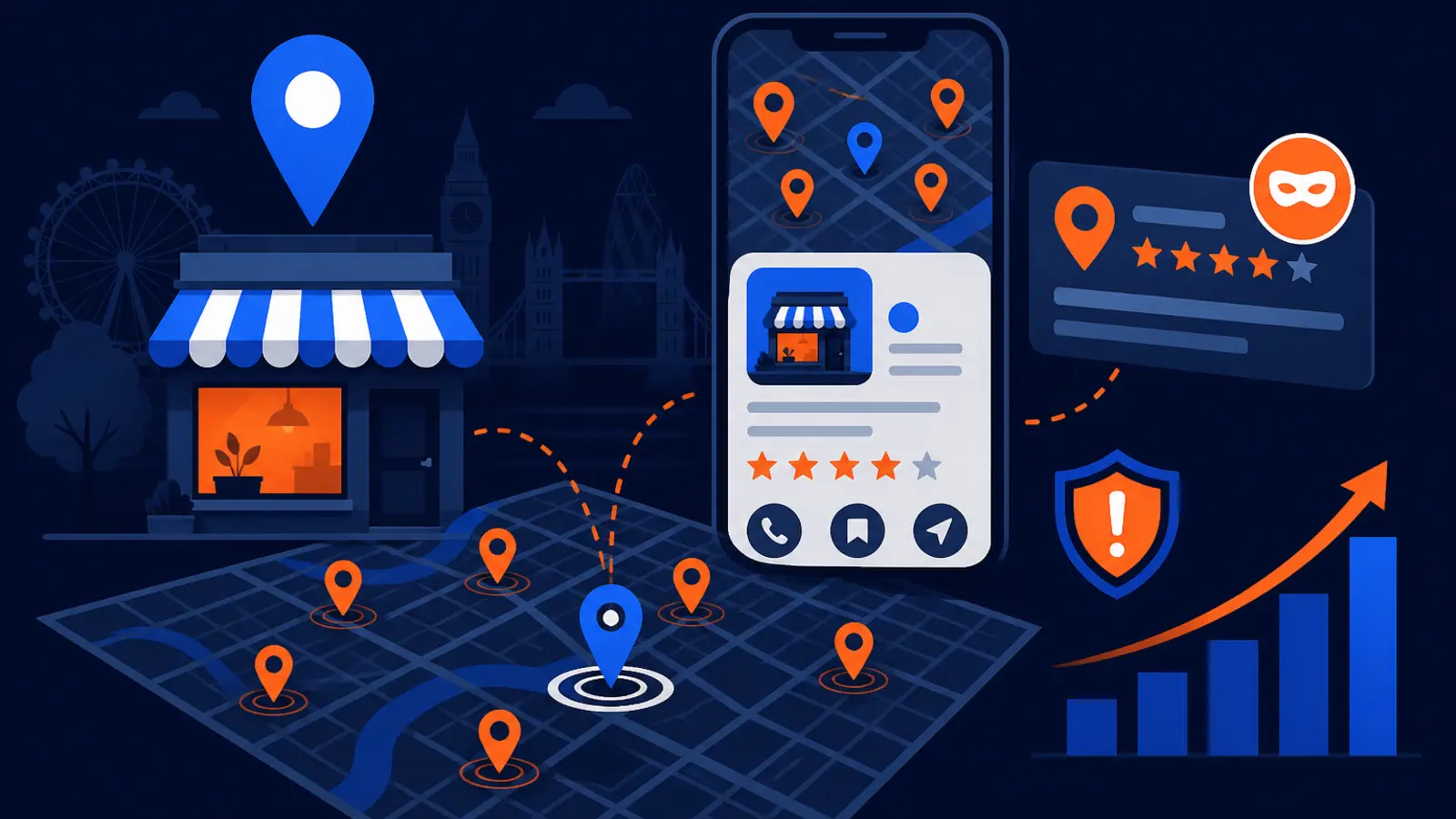
London Centric reported on September 18, 2026 that drug dealers created fake Google Maps pharmacy listings at real London addresses, including a coffee shop, a sexual health clinic and an office used by PwC. PinMeTo followed on September 24 with the local SEO warning: a legitimate address can have fraudulent pins, AI-generated storefront photos and wrong-category listings attached to it without the real business knowing.
This hits any local business with a public address, especially service businesses that rely on Google Maps calls and directions. A fake listing does not have to take over your claimed Google Business Profile to cause harm. It can sit near your address, use your building, confuse a customer, pull calls away from you or make your location look suspicious.
The practical question for owners has changed. Before hiring a Google Maps SEO provider, you should ask whether they monitor listing fraud, duplicate listings, impersonators, category abuse and unauthorized map pins around your address, not just whether they can improve rankings.
Why a fake pin is not just a Google cleanup problem
It is easy to think of fake listings as Google's problem. In one sense, that is true because the listing lives on Google's platform. But the customer sees your street address, your building or a nearby pin before they understand who created it.
For a local business, that can turn into lost trust fast. A customer might arrive at the wrong door. A caller might reach a scammer. A patient, homeowner or client might see a strange category attached to your location and wonder whether your business is legitimate.
The damage can show up in everyday ways that owners actually feel:
- ▸Fewer calls from people who intended to contact you
- ▸Customers asking whether you moved, closed or changed services
- ▸Bad directions to the wrong entrance, suite or nearby business
- ▸Confusing map results when someone searches your brand name
- ▸A building that appears to host unsafe, unrelated or suspicious businesses
What the London reports show
London Centric described fake Google Maps pharmacy listings tied to real London addresses, with the reported purpose of connecting people to drug dealers. The addresses named in the report were not all pharmacies. That is the point for business owners: your address can be used in a listing that has nothing to do with you.
PinMeTo then highlighted the local SEO risk beyond that specific story. The company noted that fake pins can appear with AI-generated storefront images, wrong categories and address details that make them look believable enough to mislead searchers.
You do not need to be in the same industry as the fake listing to be affected. The risk is not limited to pharmacies, clinics or big offices. Any storefront, suite, shared building, medical office, contractor showroom, law office, dealership, studio or local service business can become an address someone else misuses.
How fake listings can hurt local SEO
Google's local ranking factors are relevance, distance and prominence. Fake listings can interfere with all three from a customer's point of view, even when your claimed profile is technically correct.
A fraudulent listing can use a category that matches high-intent searches. It can appear close to the searcher because it uses a real address. It can also look prominent if it has convincing photos, a business name that sounds generic or details that seem complete.
Here is what to watch for around your address:
- ▸Listings using your address but a different business name
- ▸Listings using a category that competes with your services
- ▸Pins placed at your building, parking lot or neighboring suite
- ▸Listings with stock-like or AI-looking storefront images
- ▸Duplicate profiles that make customers unsure which result is real
The buying question for Google Maps SEO has changed
A few years ago, many owners judged Google Maps SEO by one question: can you rank my Google Business Profile higher? That still matters, but it is no longer enough.
If a provider only optimizes the claimed profile and never looks at the map around your address, they may miss problems customers see every day. You can have a well-written profile, strong categories and fresh photos, while a fake listing next door steals attention or damages trust.
Before you sign with a provider, ask direct questions like these:
- ▸Do you check for duplicate and fake listings near my address?
- ▸Do you monitor unauthorized pins using my building or suite?
- ▸Do you review category abuse that could confuse customers?
- ▸Do you help document and report fraudulent listings?
- ▸How often do you manually inspect the map, not just the claimed profile?
Five things to check on your profile this week
You do not need special software to do a basic fraud check. Start with the searches a real customer would make while deciding whether to call you or visit you.
Do these checks while logged out of Google or in a private browser window, and repeat them from a phone if you can. Search your exact business name, your main service and your address. Then zoom in around your location on Google Maps.
Check these five items this week:
- ▸Search your exact street address and look for business names you do not recognize.
- ▸Search your business name and confirm the top map result is your real Google Business Profile.
- ▸Open nearby pins and look for wrong categories, suspicious names or photos that do not match the building.
- ▸Check whether old locations, old suite numbers or duplicate versions of your business still appear.
- ▸Ask your front desk, technicians or sales team whether customers have mentioned confusing directions or strange search results.
What to do about it
If you find a suspicious listing, do not panic and do not start changing your real profile randomly. Your first job is to document what you see, then separate profile optimization from fraud cleanup.
Take screenshots of the fake or questionable listing, the map view, the address shown, the category, the phone number and any photos. Note the date and the search term you used. This makes it easier to explain the issue to your internal team, your agency or the platform reporting process.
Owner-level actions should be simple and repeatable:
- ▸Confirm your own Google Business Profile has the correct name, address, phone number, hours and primary category.
- ▸Remove confusion from your website by showing the same address format everywhere.
- ▸Create a short internal process for employees to report strange map results or customer complaints.
- ▸Report fake listings through the available Google Maps reporting options when you have clear evidence.
- ▸Keep a monthly log of duplicate, fake or suspicious listings you find near your address.
What not to do if you find a fake listing
A fake listing can feel personal, especially if it uses your building or pulls attention from your business. But rushed responses can create more confusion.
Do not create extra profiles to fight the fake one. Do not stuff keywords into your business name because a suspicious competitor did it. Do not change categories back and forth hoping to outrank the problem overnight.
Avoid these common mistakes:
- ▸Do not edit your real business name unless your real-world signage and branding changed.
- ▸Do not create a duplicate listing for the same location.
- ▸Do not ask customers to mention the fake listing in reviews.
- ▸Do not accuse a nearby business without evidence.
- ▸Do not ignore the issue just because your claimed profile still looks correct.
What a serious provider should include
A Google Maps SEO provider should still work on the fundamentals: accurate profile data, category strategy, services, photos, posts, review process, website location signals and conversion tracking. But for a real local business, protection is now part of the job.
Ask for a clear explanation of what is included. You want to know whether monitoring is manual, automated or both. You also want to know what happens after a suspicious listing is found.
A practical local SEO scope should include:
- ▸Baseline map inspection before work begins
- ▸Duplicate and old-location checks
- ▸Fake pin and impersonator monitoring around the address
- ▸Category abuse review for nearby competing or suspicious listings
- ▸Documentation support for reports and cleanup requests
- ▸Regular ranking scans that show how your visibility changes across the market
How this connects to rankings
Fraud monitoring is not separate from ranking work. It protects the search environment where rankings happen. If customers see confusing pins, wrong categories or questionable listings at your address, your visibility can turn into hesitation instead of calls.
Rankings also vary by location. A business can look strong from one side of town and weak from another. That is why a single rank check from your office is not enough to understand what customers see.
At Digital Domination, we use a GeoGrid scan that checks 169 points across a market. That kind of view helps show whether a business is visible where customers actually search, while separate map checks can flag duplicate or suspicious listings that may be confusing the picture.
What owners should ask before signing
The right question is not only, can you rank me higher? The better question is, will you protect my Google Maps presence while you work on rankings?
A provider does not need to promise that every fake listing will disappear instantly. Some cleanup issues take documentation and follow-up. But they should be able to explain their process in plain language and show you what they check.
Use these questions before you hire anyone:
- ▸Will you check my address for fake, duplicate and unauthorized listings before starting?
- ▸Will you monitor the area around my business after the initial cleanup?
- ▸How will you document suspicious pins and report them?
- ▸Will you tell me when a listing issue could affect calls, directions or customer trust?
- ▸Do your reports separate ranking progress from listing-fraud cleanup?
The decision for local business owners
The London Centric and PinMeTo reports make one thing clear: Google Maps visibility is no longer just about making your claimed profile look better. It is also about watching what appears around your address, because customers do not separate platform clutter from your real-world reputation.
If you are comparing providers, ask whether listing-fraud monitoring, duplicate cleanup and fake pin checks are included in the Google Maps SEO work. If the answer is vague, keep asking. A real plan should cover both growth and protection.
Digital Domination is a Las Vegas local SEO agency serving local service businesses nationally. Our Google Maps optimization services page explains the work we do on Google Business Profiles, local ranking signals, review strategy, map visibility and ongoing monitoring in plain words at digitaldomination.ai/google-maps-optimization-services/. If you want to see how your business appears across your market first, start with the free GeoGrid scan at digitaldomination.ai/scan/.
Keep reading
Related guides
- ▸Google review management for HVAC companies
- ▸Google review management in Las Vegas
- ▸Google review management near me
Put it into action
Frequently Asked Questions
Can someone create a fake Google Maps listing at my business address?
Yes, the reports from London Centric and PinMeTo show that real addresses can be used for listings that do not belong to the actual business at that location. That does not mean your claimed profile was hacked. It can be a separate pin using your address or building.
How do I know if a fake listing is using my address?
Search your exact street address in Google Maps and look for business names you do not recognize. Also search your brand name, main service and nearby categories to see what appears around your pin. If something suspicious shows your building, suite or storefront, take screenshots before reporting it.
Can fake Google Maps listings steal calls from my business?
They can confuse customers and route attention to the wrong phone number, website or location. Even if the customer does not call the fake listing, seeing suspicious map results can reduce trust. That is why monitoring matters alongside normal ranking work.
Should my local SEO company remove fake Google Maps listings?
Your provider should at least check for duplicates, impersonators, unauthorized pins and category abuse around your address. They should also help document and report suspicious listings when there is clear evidence. Ask what is included before you hire them.
Is duplicate listing cleanup part of Google Maps SEO?
It should be. Duplicate listings can split attention, confuse customers and make your location data look messy. A complete Google Maps SEO plan should include finding duplicates and creating a cleanup plan.
What should I do first if I find a fake pin near my business?
Document it before making changes to your real profile. Save screenshots of the listing name, address, phone number, category, photos and map placement. Then report the listing through Google Maps and keep a record of what you submitted.
Can a fake listing hurt my Google ranking?
A fake listing may not directly change your claimed profile, but it can affect how customers experience the map results around you. If it competes for similar searches, uses a nearby address or creates confusion, it can interfere with calls and visits. Rankings and trust should be managed together.
What should I ask a Google Maps SEO provider now?
Ask whether they monitor fake listings, duplicate profiles, impersonators and wrong-category pins around your address. Also ask how often they check, what they report and what they do when they find a problem. The answer should be specific, not just a promise to optimize your profile.
Ready to dominate your map?
Top 3 in the Google Map Pack in 12 weeks, or you don't pay.