
How to spot a bad Google Maps SEO provider before you sign
A practical buyer guide for local business owners who want better Google Maps visibility without handing their profile to a risky operator.
The short answer
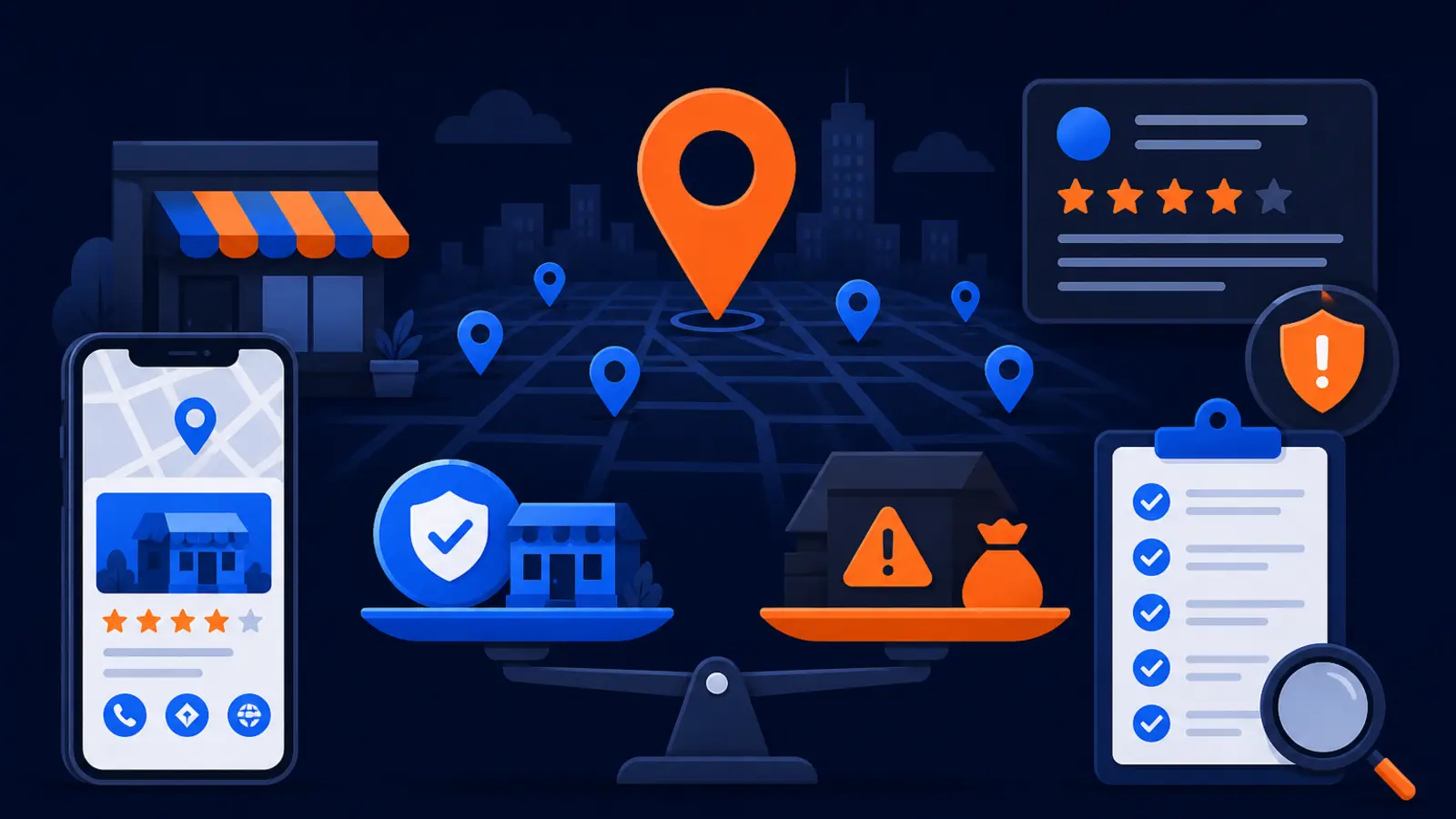
You can spot a bad Google Maps SEO provider before you sign by asking how they will improve your visibility, who will own your Google Business Profile, what reports you will receive, and whether their tactics match Google’s published rules. A trustworthy provider can explain the work in plain language. A risky provider hides behind vague promises, secret methods, fake review plans, or claims that sound too certain.
Google Business Profile Help says local results are mainly based on relevance, distance, and prominence. It also says complete and accurate Business Profile information makes a business more likely to show up in local search results. That means good local SEO should look like clean business information, strong local proof, steady review practices, useful website content, and consistent measurement, not tricks.
Google Search Central warns that no one can guarantee a number one ranking on Google. It also says third-party SEO tools and services do not have access to Google internal ranking data and cannot guarantee performance. If a provider says they have a private Google contact, a special ranking switch, or an inside database that guarantees your position, slow down before you sign.
What a transparent provider should show you
A good provider should be willing to show you what they checked, what they found, what they plan to change, and how they will measure progress. You do not need to understand every technical detail. You do need enough clarity to know whether they are improving your real business presence or taking risks with your profile.
BrightLocal’s Local Marketing Industry Survey: Agency Edition reported that agencies commonly offer Google Business Profile optimization or management, SEO audits and analysis, reporting and analytics, citation building or cleanup, online reviews management, and Google Business Profile spam fighting. Those services are normal in the market. The difference is whether the provider can explain them clearly and document the work.
Before you sign, expect concrete checkpoints like these:
- ▸A written scope that names the assets being managed
- ▸A clear statement that you keep ownership or co-ownership of your Google Business Profile
- ▸A plain explanation of the management fee
- ▸A baseline report showing where you rank across your service area
- ▸A plan for Business Profile updates, website improvements, reviews, and reporting
- ▸Examples of the reports you will receive
- ▸A policy-compliant review process that does not pay for reviews or filter out unhappy customers
Ownership of your Google Business Profile is nonnegotiable
This is one of the easiest ways to spot a bad provider. Google Business Profile third-party policies say end customers must retain ownership or co-ownership of their Business Profile at all times. Google also says authorized Business Profile representatives must never claim a Business Profile without express consent from the business owner.
You should never be told that the agency owns your profile because they built it, verified it, or manage it. Verification tells Google that the person managing the profile is authorized to represent the business, according to Google Business Profile Help. It does not mean the provider should control the asset as if it belongs to them.
Ask about ownership before they touch the profile. Watch for these warning signs:
- ▸They want to create the profile under their own email only
- ▸They refuse to add you as an owner or co-owner
- ▸They say you can get access after the contract ends
- ▸They claim profile ownership is part of their system
- ▸They do not want to explain Business Profile permissions
- ▸They avoid putting ownership terms in writing
Questions to ask before you sign
Use these questions in the sales call. A good provider will answer without acting offended. A risky one may dodge, overpromise, or push you to sign before you understand the plan.
Ask these before you approve access or pay a setup fee:
- ▸Who will own or co-own my Google Business Profile at all times?
- ▸What exact changes will you make to my profile in the first month?
- ▸How will you decide which business categories, services, photos, and descriptions to use?
- ▸Do you follow Google’s rules for business names and service-area businesses?
- ▸How do you ask customers for reviews without incentives or review gating?
- ▸What report will show where I rank across my actual service area?
- ▸How often will I receive reporting, and what will it include?
- ▸What work is included in the fee, and what is billed separately?
- ▸Do you claim a number one ranking, or do you explain that rankings vary by location and search?
- ▸What happens to my access, reporting, and work product if I cancel?
Ranking promises that should make you cautious
There is a difference between accountability and unrealistic claims. Google Search Central warns that no one can guarantee a number one ranking on Google. Google also says SEO changes can take a few hours or several months to be reflected in Google Search. Local rankings can vary by search term, searcher location, competitor activity, business category, and profile strength.
A provider should be able to set a goal, explain the plan, and show the measurement method. What they should not do is promise a permanent number one spot everywhere, claim payment buys better Google ranking, or suggest that Google gives them internal ranking data. Google Business Profile Help says there is no way to request or pay for a better local ranking on Google.
Be careful when you hear claims like these:
- ▸We can guarantee number one on Google
- ▸We have access to Google’s internal ranking data
- ▸You pay us and Google pushes you higher
- ▸We know a loophole competitors do not know
- ▸You do not need reports because we handle everything
- ▸Rankings are the only metric that matters
- ▸We can make changes that Google cannot detect
Business name and service-area tricks can backfire
Some risky providers try to force extra keywords into the Business Profile name. Google Business Profile Help says a Business Profile name should reflect the business’s real-world name as used on its storefront, website, stationery, and by customers. If your company is called Miller Plumbing, a provider should not casually rename it Miller Plumbing Emergency Water Heater Drain Cleaning Near Me just to chase more searches.
Service-area businesses need special care too. Google Business Profile Help says service-area businesses can have only one profile for the whole area they serve. If a provider suggests creating extra profiles for fake offices, rented mailboxes, or locations you do not actually operate from, that is not a safe growth plan.
Clean local SEO may feel less flashy than shortcuts, but it protects the asset you depend on for calls. You want a provider that strengthens your real-world signals, not one that creates a profile problem you have to unwind later.
Review tactics are a major red flag
Reviews matter because customers read them and because they are part of your public trust. But review growth has to be handled carefully. Google Maps User Generated Content Policy Help says paid reviews, incentivized reviews, discouraging negative reviews, and selectively soliciting positive reviews are not allowed on Google Maps.
The Federal Trade Commission final rule prohibits creating or selling fake consumer reviews and buying reviews when the business knew or should have known that the reviews were fake or false. That means review shortcuts are not just an SEO problem. They can become a trust and compliance problem for the business.
A safe review process should look like this:
- ▸Ask real customers for honest feedback
- ▸Send the same request to customers instead of filtering for happy ones only
- ▸Avoid discounts, gifts, payments, or prizes for reviews
- ▸Never ask staff, friends, or vendors to pose as customers
- ▸Respond professionally to both positive and negative reviews
- ▸Track requests and responses without pressuring customers
Reporting should show locations, not just a single ranking
A single rank screenshot does not tell you enough. Google Maps results change by the searcher’s location. A contractor might rank well near the office but disappear across town. A medical office might show in one neighborhood and not another. That is why local reporting should show performance across the service area, not just one search from one device.
Ask for reporting that makes sense to a business owner. You should be able to see where you are visible, where you are weak, what changed, and whether calls are moving in the right direction. You do not need a wall of charts with no explanation.
Strong reporting usually includes these pieces:
- ▸A map-style ranking view across the service area
- ▸The search terms being tracked
- ▸Before and after comparisons
- ▸Business Profile actions and call activity when available
- ▸Work completed during the reporting period
- ▸Next steps in plain English
- ▸Notes about competitors, spam, or profile issues that affect visibility
When a cheaper or DIY path makes sense
You do not always need to hire a Google Maps SEO provider. The cheaper or DIY path can fit a business owner who has someone in-house to manage Business Profile updates, review requests, reporting checks, and policy compliance on a recurring schedule. If you can assign that responsibility and keep it consistent, you may be able to handle the basics yourself.
The risk with DIY is not that the tasks are impossible. The risk is that they get skipped when the week gets busy. Local visibility depends on accuracy, activity, trust, and ongoing checks. If no one owns the schedule, the profile can drift, reviews can slow down, reports can go unread, and competitors can pass you.
A simple in-house rhythm can include checking profile accuracy, adding current photos, asking recent customers for honest reviews, responding to reviews, reviewing ranking reports, and watching for suspicious competitor activity. If that sounds manageable, DIY may be a fair fit. If it sounds like one more thing that will not happen, hiring help may be the better choice.
How Digital Domination approaches the decision
Digital Domination works with local businesses that want Google Maps visibility measured across the real area they serve. The free GeoGrid scan checks 169 real Google results across the service area, so the conversation starts with what is visible now, not a generic sales pitch. The Maps Domination Program is priced per market on a qualification call and tied to the ranking outcome.
Digital Domination also offers territory exclusivity, one client per trade per service area. Weekly GeoGrid tracking reports provide visual proof of rankings and call volume. If you are comparing providers, ask each one how they will show progress, what they will do with your Business Profile, and how they avoid risky shortcuts.
If you want to see the program before deciding, visit the Get Ranked page. It explains the Google Maps ranking program, the qualification process, the reporting, and the outcome-focused structure. If you want to start with proof of where you stand now, request the free GeoGrid scan on the scan page.
Keep reading
Related guides
- ▸How Much Does AI Search Optimization (AEO and GEO) Cost?
- ▸AI SEO for Local Business
- ▸Are Angi Leads Worth It for Contractors?
Put it into action
Frequently Asked Questions
How do I know if a Google Maps SEO company is legit?
A legitimate provider explains the work clearly, keeps you as owner or co-owner of your Google Business Profile, follows Google’s Business Profile rules, and shows reporting across your service area. Be careful with anyone who promises a number one ranking or says they have access to Google’s internal ranking data.
Can someone guarantee my business will rank number one on Google Maps?
Google Search Central warns that no one can guarantee a number one ranking on Google. A provider can set goals, explain strategy, and report progress, but they should not claim they control Google’s results.
Should an SEO company own my Google Business Profile?
No. Google Business Profile third-party policies say end customers must retain ownership or co-ownership of their Business Profile at all times. A provider can be added to manage the profile, but your business should not lose control of the asset.
Are paid Google reviews allowed?
No. Google Maps policy does not allow paid reviews, incentivized reviews, discouraging negative reviews, or selectively asking only happy customers for reviews. The Federal Trade Commission also prohibits certain fake review practices and review buying when the business knew or should have known the reviews were fake or false.
What should a Google Maps SEO report include?
A useful report should show where you rank across your actual service area, not just one search from one location. It should also explain the work completed, profile activity, important changes, and next steps in plain English.
Is DIY Google Maps SEO a bad idea?
DIY can work if you have someone responsible for profile updates, review requests, reporting checks, and policy compliance on a regular schedule. It becomes risky when no one owns the process and the profile goes untouched for long periods.
What is a GeoGrid scan?
A GeoGrid scan checks Google Maps visibility from many points across your service area. Digital Domination’s free GeoGrid scan checks 169 real Google results, so you can see where you are strong, weak, or missing before you decide what to do next.
Ready to dominate your map?
Top 3 in the Google Map Pack in 12 weeks, or you don't pay.