
New study: Adding near me changes the Google Map Pack 57.1% of the time
A single Map Pack screenshot can make a local business look safer than it is. The better question is whether buyers across your service area see you for the searches they actually type.
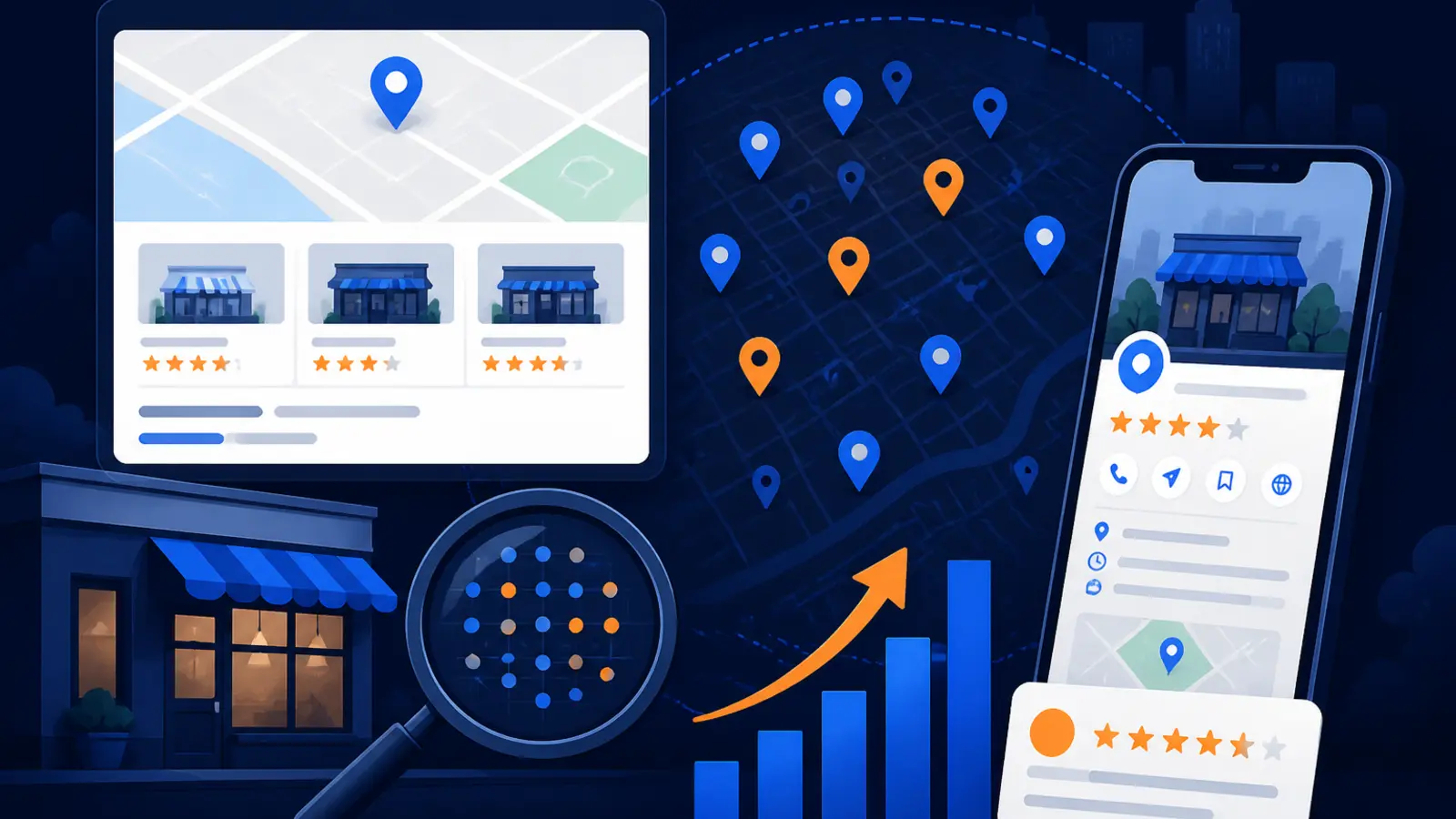
What changed and who it hits
A new Suff Digital data study published September 24, 2026 found that adding “near me” to a Google Maps search changed the top-three Map Pack businesses in 57.1% of 1,580 paired searches. The study compared searches across 20 local services and 79 U.S. cities, looking at what happened when the same service query was searched with and without “near me.”
The finding hits local service businesses hardest because the Map Pack is often where ready-to-call buyers choose who gets the job. If you own a plumbing, HVAC, roofing, dental, legal, pest control or home service company, the search term your customer uses may change which businesses appear above the fold.
The effect was especially large for plumbers, where Suff Digital reported that 79.7% of paired searches changed, and HVAC companies, where 65.8% changed. That means a business owner checking “plumber” from the office may be looking at a very different reality than a homeowner nearby searching “plumber near me” from a phone.
Why one Map Pack ranking report can mislead you
The study matters because many local SEO reports still reduce Google Maps visibility to one keyword, one location and one screenshot. That can feel reassuring, but it may not match what buyers see when they are standing in a neighborhood, typing from a phone or adding a city name to the query.
Google’s own Business Profile Help documentation says local ranking is based on relevance, distance and prominence. Those three factors are not fixed in one neat order for every search. When the wording changes from “[service]” to “[service] near me,” Google may interpret the intent, location sensitivity and best-fit businesses differently.
Before you accept a ranking report as proof, ask what it actually measured:
- ▸Which keyword was searched
- ▸Whether “near me” was included
- ▸Where the search was run from
- ▸Whether the search used Google Maps or regular Google results
- ▸Whether the report checked one point or the whole service area
The buyer does not search one perfect keyword
Local owners often think in category terms. You may call yourself an HVAC contractor, an emergency plumber, a family dentist or a personal injury attorney. Buyers are less consistent. They search fast, they use shorthand and they mix services, locations and urgency.
That is why the Suff Digital study is useful. It reminds owners that “plumber,” “plumber near me” and “plumber Las Vegas” are not automatically the same local search. The same idea applies in every city and every service category. If the phrase changes the visible competitors, your reporting needs to reflect that.
A practical keyword set for a local business should include the ways real buyers search, not just the clean phrase an agency wants to show in a report. Start with these buckets:
- ▸The service alone, such as “water heater repair”
- ▸The service plus near me, such as “water heater repair near me”
- ▸The service plus city, such as “water heater repair Henderson”
- ▸Urgent versions, such as “emergency plumber near me”
- ▸High-value job types, such as “tankless water heater installation”
Why plumbers and HVAC companies should pay attention
Suff Digital found the biggest swings in categories where buyers often need help quickly and where distance can matter a lot. Plumbing and HVAC searches are good examples because the customer may have a leak, no heat, no air conditioning or another problem that feels urgent.
For these categories, a single top-three ranking can hide weak spots. You might rank well near your office but disappear across town. You might show for “HVAC company” but not for “AC repair near me.” You might show in desktop results but lose visibility in Google Maps on a phone.
If you run an urgent-response service, your tracking should answer buyer-risk questions like these:
- ▸Can customers see you in the neighborhoods you actually serve
- ▸Do you appear for emergency and repair terms, not only broad category terms
- ▸Do “near me” searches show different competitors
- ▸Are your service categories and services clear on your Google Business Profile
- ▸Are your hours, phone number and service area accurate
What Google says still matters
The new study does not mean you should stuff “near me” into your business name, service descriptions or website pages. KeyGrow’s September 24, 2026 guide, “How to Rank for Near Me Searches (and Why the Phrase Is Not the Point),” makes the same practical point: the phrase itself is not the magic trick. Google is trying to match a nearby searcher with a relevant and prominent business.
Google Business Profile Help says businesses can improve local ranking by making sure their business information is complete, accurate and up to date. It also names relevance, distance and prominence as the core local ranking factors. You cannot control where every searcher stands, but you can make it easier for Google to understand what you do and where you are a strong match.
This week, make sure the basics are not working against you:
- ▸Your primary category matches your main service
- ▸Your secondary categories describe real services
- ▸Your address or service area is accurate
- ▸Your hours and holiday hours are current
- ▸Your phone number and website are correct
- ▸Your services list is filled out in plain language
Why a GeoGrid scan is safer than a screenshot
A screenshot answers one narrow question: what did one search show at one moment from one location. A GeoGrid scan answers a better question: how visible are you across the market where customers actually hire you.
A GeoGrid checks rankings from multiple points across a service area. That matters because distance is one of Google’s local ranking factors. A business can be strong near its office and weak farther away, even inside the same city. A scan can also compare keyword variants, which is the lesson from the Suff Digital study.
A useful GeoGrid setup should check buyer searches across geography, including:
- ▸The core service keyword
- ▸The same service with “near me”
- ▸The service with the city name
- ▸Neighborhood or suburb variations when relevant
- ▸Your most profitable services, not only broad terms
Five things to check on your profile this week
You do not need to become technical to respond to this study. The first step is to make sure your Google Business Profile is not vague, outdated or inconsistent. These are owner-level checks you can do before hiring anyone.
Open your profile, search like a customer and compare what you see against your real services. If something is missing, unclear or outdated, fix that before worrying about advanced tactics.
Here are five checks to make this week:
- ▸Confirm your primary category is the closest match for your main money service
- ▸Add or update services that customers actually request
- ▸Check your business name, phone, website, hours and service area for accuracy
- ▸Read your recent reviews and look for service words customers naturally use
- ▸Search your main service, your service near me and your service plus city from more than one location
What to do about it before buying local SEO
The biggest takeaway is not that every owner needs a bigger report. It is that you should not buy local SEO based on one flattering image. If a provider shows you one Map Pack screenshot, ask how they know it represents the market.
A serious local SEO conversation should include your service area, your highest-value services and the keyword variants buyers use. It should also include a before picture that is broad enough to measure real progress. Otherwise, you may spend money improving a term that already looked good while missing the searches that produce calls.
Before you sign with a provider, ask these questions:
- ▸Will you track rankings across my actual service area
- ▸Will you compare “[service],” “[service] near me” and “[service] [city]”
- ▸Will you show where I am weak, not only where I rank well
- ▸Will the scan include neighborhoods where I want more jobs
- ▸Will reporting connect rankings to profile updates, reviews, website pages and calls
How to read a GeoGrid without getting overwhelmed
A GeoGrid can look busy the first time you see one. The point is not to obsess over every dot. The point is to see patterns. Are you visible near your office but missing in profitable suburbs. Do you rank for the broad term but not the near-me version. Are competitors consistently appearing in areas where you want calls.
Look at the scan the way you would look at a service map. Green areas usually mean stronger visibility. Weaker areas show where Google may not see you as relevant, close enough or prominent enough for that search. The right action depends on the pattern.
Use the scan to decide what to fix first:
- ▸If you are weak everywhere, your profile, website and authority may need foundational work
- ▸If you are strong near the office but weak farther out, location and service-area signals matter
- ▸If you rank for one keyword but not another, your content and categories may be unclear
- ▸If one competitor dominates, study their categories, reviews, content and local mentions
- ▸If results change by “near me,” track that phrase separately instead of assuming it matches the base term
The bottom line for local owners
The Suff Digital study gives local business owners a simple warning: one search is not the market. If adding “near me” changes the top-three Map Pack businesses more than half the time in the study, then a single ranking report can easily create false confidence.
The right response is not panic. It is better measurement. Check the searches buyers actually use, check them across the geography you serve and make sure your Google Business Profile and website clearly support those services and locations.
From our perspective as a Las Vegas local SEO agency serving local service businesses nationally, this is exactly why a market scan should come before a sales pitch. Digital Domination’s GeoGrid scan checks 169 points across a market so an owner can see where they are visible, where competitors are winning and which keyword variants change the picture. If you are deciding whether to trust a ranking report or invest in local SEO, start with the free GeoGrid scan at digitaldomination.ai/scan/.
Keep reading
Related guides
- ▸Google Maps optimization services vs DIY local SEO
- ▸Google Maps Ranking Factors 2026
- ▸Google Maps review sign-in change
Put it into action
Frequently Asked Questions
Does adding near me really change Google Maps rankings?
Yes, according to Suff Digital’s September 24, 2026 study, adding “near me” changed the top-three Google Map Pack businesses in 57.1% of 1,580 paired searches. The effect was even larger in some service categories, including plumbers and HVAC companies.
Should I add near me to my Google Business Profile name?
No. Do not add words to your business name unless they are part of your real-world business name. Google’s guidance focuses on complete and accurate business information, and KeyGrow’s guide makes the point that the phrase “near me” is not the real ranking trick.
Why do I rank for plumber but not plumber near me?
Google may treat those searches differently because local ranking depends on relevance, distance and prominence. A “near me” search can put more pressure on proximity and local intent, so a competitor closer to the searcher or better matched to the query may appear instead.
Is one local ranking screenshot enough proof?
No. One screenshot only shows one keyword from one location at one moment. A better report checks multiple keyword versions and multiple points across your actual service area.
What is a GeoGrid scan for local SEO?
A GeoGrid scan checks how your business ranks in Google Maps from many points across a market. It helps show whether you are visible throughout the area you serve or only near one location.
What keywords should a local business track after this study?
Track the core service term, the service plus “near me” and the service plus your city. You should also track urgent or high-value services that bring the best customers, such as repair, installation or emergency searches.
What can I fix this week to improve near me visibility?
Start with your Google Business Profile. Check your categories, services, hours, phone number, website, service area and recent reviews to make sure Google and customers can clearly understand what you do and where you serve.
Do near me searches matter for service-area businesses?
Yes. Even if customers do not visit your office, Google still uses local signals to decide which businesses fit the search. A service-area business should measure visibility across the neighborhoods and cities where it wants jobs, not just from its office location.
Ready to dominate your map?
Top 3 in the Google Map Pack in 12 weeks, or you don't pay.