
A free GeoGrid scan near me: how to pick a provider that will actually show up
A practical buyer’s guide for local business owners who want a real map-based ranking check, not a vague report.
The direct answer
Yes, a free GeoGrid scan can answer the right buying question if it checks your real service area, your money keywords, and the Google Business Profile factors that affect whether customers find you. The scan should not be a generic screenshot from your office address. It should show where you appear across the town, suburbs, neighborhoods, or service area where you actually want calls.
The provider should be able to explain why each map point was chosen, which search terms were tested, and what the results mean in plain English. If you are a roofer, dentist, HVAC company, attorney, auto repair shop, med spa, electrician, plumber, or other local service business, the scan should reflect how customers search for your trade in your area.
Google Business Profile Help says local results are mainly based on relevance, distance, and prominence. That means a useful GeoGrid scan should not only show rankings. It should help you understand whether Google sees your profile as relevant to the search, close enough to the search point, and prominent enough compared with competitors.
What a GeoGrid scan actually shows
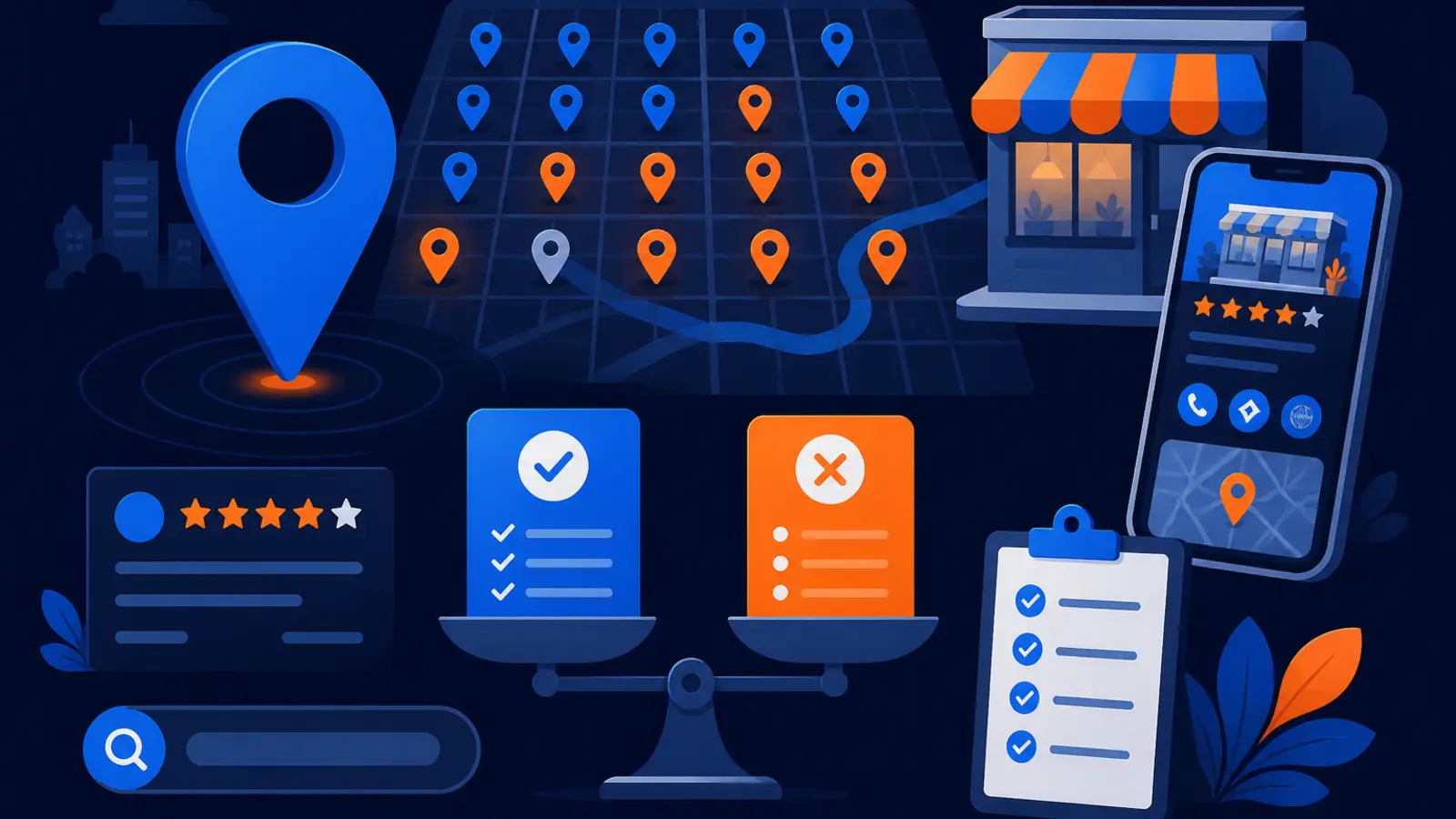
A GeoGrid scan checks local rankings from multiple points on a map instead of from one location. That matters because your Google Map Pack visibility can change street by street. You may rank well near your shop, office, or home base, but disappear a few miles away where you still want customers.
BrightLocal says Local Search Grid visualizes rankings across multiple search locations on a map-based dashboard, and each grid point represents a local search made with the chosen keyword. Local Falcon describes a Google Maps geo-grid scan as pins placed over a map, where each pin represents a search request sent from a specific latitude and longitude.
For a business owner, the takeaway is simple. A proper scan should show where you are visible, where you are weak, and where competitors are beating you. The provider should not ask you to interpret a heat map alone. They should translate it into clear next steps.
What to look for before you trust the scan
A free scan is only helpful if it is built around your business reality. A provider who runs one broad keyword from one map size may miss the areas and searches that matter most to your phone. Ask for the setup details before you treat the report as your local SEO baseline.
Digital Domination’s free GeoGrid scan checks 169 real Google results across the service area. That 169-point GeoGrid scan is designed to show visibility across the market, not just at one location. Whether you use Digital Domination or another provider, you want the scan to be specific enough to guide a business decision.
Use these checkpoints to judge whether the scan is worth your time:
- ▸The scan uses your real trade or service category, not a vague keyword.
- ▸The map covers your actual service area, not just your business address.
- ▸The provider explains why the grid size and center point were chosen.
- ▸The scan includes competitors that customers would actually compare against you.
- ▸The report separates strong areas from weak areas clearly.
- ▸The provider explains what can be changed on your profile, website, reviews, or content.
- ▸The scan does not promise that Google rankings can be bought.
The keywords should match buyer intent
A common mistake is scanning the wrong keyword. A vanity search may make a report look good or bad without showing whether likely customers can find you. A plumber may care more about emergency plumber, drain cleaning, water heater repair, or plumber near me than a broad company-name search.
The provider should ask what you sell, which jobs you want more of, and where your best customers are. A good scan usually starts with one primary keyword, then identifies related searches worth checking later. For most owners, the right keyword is the one a ready-to-call customer would type when they need help.
The scan provider should be able to explain each keyword choice in plain language:
- ▸What service the keyword represents.
- ▸Whether the searcher is likely to call or just research.
- ▸Whether the keyword matches your Google Business Profile category.
- ▸Whether competitors showing up are true competitors.
- ▸Whether the keyword fits your city, suburb, or service-area pattern.
The map points should match where you want calls
Distance matters in local search, so the map itself matters. A scan centered on the wrong point can make a business look stronger or weaker than it really is. If you serve several neighborhoods, suburbs, or cities, the provider should not only scan the block where your address is located.
Google Business Profile Help says service-area businesses should hide their business address from customers. Google also says the boundaries of a service-area Business Profile’s overall service area should not extend farther than about 2 hours of driving time from where the business is based. That makes the scan setup especially important for plumbers, electricians, HVAC companies, mobile mechanics, home service contractors, and other businesses that go to the customer.
A provider should ask practical service-area questions before running the scan:
- ▸Where your crews actually go.
- ▸Which cities or neighborhoods are profitable.
- ▸Which areas you do not want to serve.
- ▸Whether you have one location or multiple locations.
- ▸Whether customers visit you, you visit them, or both.
- ▸Whether the scan should focus on a tight local area or a broader market.
The profile factors should be part of the interpretation
A GeoGrid is a ranking picture. It is not the whole diagnosis by itself. The provider should review the Google Business Profile factors that could explain why the map looks the way it does.
Google Business Profile Help says categories selected for a Business Profile affect local ranking on Google. Google also says more reviews and positive ratings can help a business’s local ranking. Those two facts alone mean a provider should look beyond pins on a map and review whether your categories, services, reviews, photos, profile completeness, and website connection support the searches being scanned.
A useful interpretation should connect the scan to items an owner can understand:
- ▸Primary and secondary categories.
- ▸Services listed on the profile.
- ▸Review quantity, quality, recency, and wording.
- ▸Business name, address visibility, and service-area setup.
- ▸Website pages connected to the services being scanned.
- ▸Competitors that appear repeatedly across the grid.
- ▸Obvious gaps between your profile and the businesses showing above you.
Seven questions to ask before you sign
Some free scans are useful. Others are quick sales hooks. You do not need to know the technical details of local SEO to separate the two. You only need to ask direct questions and listen for specific answers.
A good provider will welcome these questions because they show whether the scan is connected to your real market. If the answer is vague, the report may not be enough to guide your next move.
Ask these questions before you sign anything:
- ▸Which exact keyword are you scanning, and why did you choose it?
- ▸How many map points are included in the scan?
- ▸What area does the grid cover, and does it match where I want customers?
- ▸Are you checking real Google results or estimating visibility?
- ▸Which competitors appear most often, and what do they seem to have that I do not?
- ▸Which Google Business Profile factors will you review with the scan?
- ▸What should I do first if the scan shows weak visibility?
- ▸How will you track whether visibility improves after changes are made?
- ▸Are you promising better rankings, or showing a plan based on relevance, distance, and prominence?
What the scan cannot honestly promise
A GeoGrid scan can show where you appear and help diagnose likely reasons. It cannot force Google to rank you higher overnight. Be careful with any provider who implies that they have a special payment route to Google or can buy you into the Map Pack.
Google Business Profile Help says there is no way to request or pay for a better local ranking on Google. Google also says verified Business Profile edits usually take up to 10 minutes to review, but sometimes can take up to 30 days. If video verification is needed, Google Business Profile Help says review can take up to 5 business days after the video is uploaded, and the video must be an unedited, unique, complete recording with no breaks and at least 30 seconds long.
That does not mean you should accept vague work or endless waiting. It means the provider should separate what they control from what Google controls. They can improve your profile, fix errors, strengthen relevance, guide review systems, build better local content, and track progress. They cannot guarantee that every edit is approved instantly by Google.
When the cheaper or DIY path is enough
The cheaper or DIY path can make sense if you only need to check your own Business Profile setup and performance once in a while. If you are not trying to win a broader service area, you may not need a full grid scan or a provider’s interpretation every month.
Google Business Profile performance reporting includes directions, calls, website clicks, messages, and bookings metrics, according to Google Business Profile Help. Google Analytics Help also says Google Analytics can show Business Profile engagement metrics such as website clicks, calls, and direction requests when Google Business Profile is linked to Google Analytics.
DIY is usually enough when your needs are simple:
- ▸You only want to confirm that your profile is active.
- ▸You are checking calls, clicks, or direction requests occasionally.
- ▸You serve a small area and are not competing hard for Map Pack rankings.
- ▸You understand your categories, services, and address settings.
- ▸You do not need a provider to explain a map-based ranking grid.
- ▸You are not ready to make profile, review, website, or content changes.
Why provider interpretation matters
The value of a GeoGrid scan is not just the picture. It is the interpretation. A map full of red, yellow, and green pins does not tell you what to fix first unless someone connects the rankings to the profile, website, reviews, competition, and service area.
Local Falcon says ranking positions 1-3 are highly visible in the Local Pack, positions 4-20 are somewhat visible, and positions 20+ are essentially invisible. For an owner, that means the difference between position 3 and position 8 can matter a lot in a competitive search. A provider should help you see where you are close enough to fight, where you are too far back, and where the market may need a longer plan.
Digital Domination pairs GeoGrid scans with local SEO planning for businesses that want to compete in Google Maps. The company works with one client per trade per service area, offers territory exclusivity, and uses weekly GeoGrid tracking reports with visual proof of rankings and call volume for active clients. Pricing for the Maps Domination Program is set per market on a qualification call and tied to the ranking outcome.
What Digital Domination checks in a free scan
Digital Domination’s free scan is built for local business owners who want to know how they show up across the area where customers search. The scan checks 169 real Google results across the service area, then uses that 169-point GeoGrid scan to show where the business is visible and where it is not.
The point is not to hand you a confusing report and expect you to decode it. The point is to give you a practical view of your current Map Pack position, the competitors showing up around you, and the likely issues holding your profile back. Digital Domination has spent 20 years learning how businesses earn attention, authority, trust, and rankings online.
For the right fit, the scan helps answer practical questions:
- ▸Where do we show up now?
- ▸Where are we missing from the Map Pack?
- ▸Which competitors are strongest across the area?
- ▸Do our categories and services match the searches we want?
- ▸Are reviews likely helping us or holding us back?
- ▸Is the service area realistic for how Google treats distance?
- ▸What would we need to fix first?
Get the free GeoGrid scan
If you want a scan that checks real map points, real search terms, and the Google Business Profile factors that matter for your trade, use Digital Domination’s scan page. It explains the free GeoGrid scan, what the 169-point GeoGrid scan shows, and how the qualification process works for businesses that want help competing in Google Maps.
You can request the free GeoGrid scan on the Digital Domination scan page. The page is for business owners who want a clear read on where they show up now, where they are weak, and whether Digital Domination is a fit for their service area and trade.
Keep reading
Related guides
- ▸A free Trinity website audit vs doing local SEO yourself
- ▸AI Content Fact Checking Local SEO
- ▸AI Google Maps Photo Scam Local Calls
Put it into action
Frequently Asked Questions
What is a free GeoGrid scan near me?
A free GeoGrid scan near you is a map-based check of how your business ranks from multiple points around your service area. Instead of checking only from your office or home base, it shows visibility across the places where customers may be searching.
How many map points should a GeoGrid scan check?
The right number depends on your market and service area, but it should be enough to show a real pattern. Digital Domination’s free scan checks 169 real Google results across the service area, which gives a clearer view than a single ranking check.
What keywords should I use for a GeoGrid scan?
Start with the service keyword that matters most to your next customer. For example, a contractor may scan a core service plus the city or a near me style search, then review related services after the first scan.
Can I pay Google to rank higher in the Map Pack?
No. Google Business Profile Help says there is no way to request or pay for a better local ranking on Google. A provider should focus on improving relevance, distance signals where possible, prominence, reviews, profile quality, and local website support.
Is a GeoGrid scan better than Google Business Profile insights?
They answer different questions. Google Business Profile performance reporting shows actions such as calls, website clicks, directions, messages, and bookings, while a GeoGrid scan shows where you rank across the map. Most serious local campaigns need both visibility data and performance data.
Do reviews affect my local Google ranking?
Yes, Google Business Profile Help says more reviews and positive ratings can help a business’s local ranking. A scan provider should look at reviews as part of the interpretation, not as the only factor.
Should a service-area business show its address on Google?
Google Business Profile Help says service-area businesses should hide their business address from customers. If you visit customers instead of receiving them at your location, your scan provider should understand how service-area settings can affect the way your profile is reviewed and interpreted.
How do I know if a GeoGrid scan provider is worth hiring?
Ask how the map points, keywords, competitors, and profile factors were chosen. A good provider will explain the scan in plain language, connect it to your real service area, and avoid claiming that rankings can be bought from Google.
Ready to dominate your map?
Top 3 in the Google Map Pack in 12 weeks, or you don't pay.