
Google GBP support misuse policy raises SEO vendor risk
Google’s new support-channel language makes your SEO vendor’s complaint habits part of your Google Business Profile risk checklist.
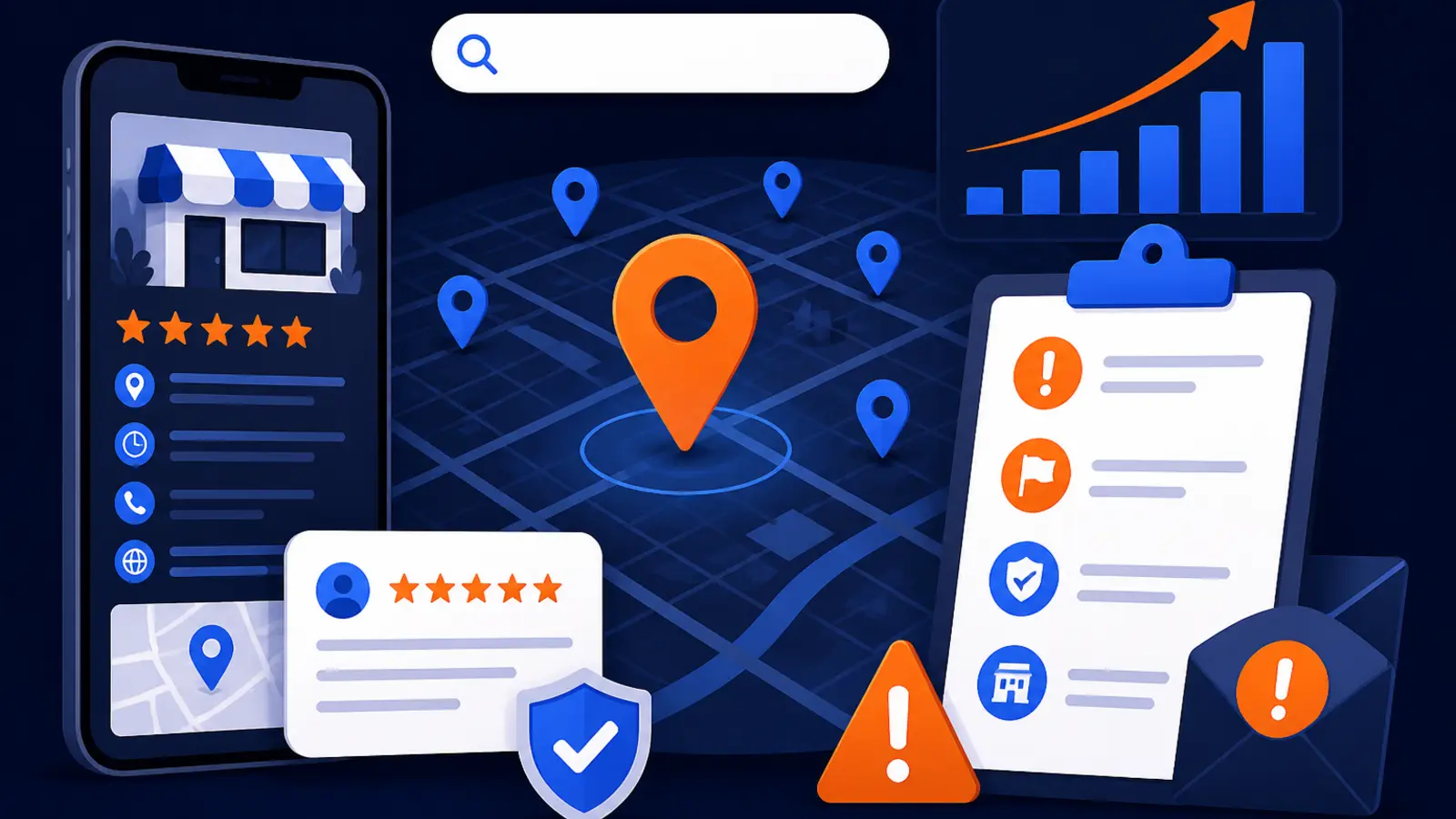
Google made GBP support behavior a vendor-risk issue
Google has added a new “Misuse of support channels” section to its Google Business Profile third-party policies. Search Engine Roundtable reported the change on September 29, 2026, noting that the policy targets users and agencies that flood Google support with invalid requests, false or misleading reports, or bad-faith complaints.
This hits local business owners who hire outside help for Google Maps, local SEO, review issues, duplicate listings, suspensions, reinstatements, edits, or competitor spam reports. The practical point is simple: your vendor’s behavior with Google support can affect how easy it is to get help when your business has a real profile problem.
Before this change, support escalation habits could feel like an internal agency process. Now they belong in your hiring questions, your access rules, and your monthly review with any provider that touches your Google Business Profile.
What Google’s updated policy says
Google’s own documentation, the Business Profile third-party policies page, says parties must not misuse support channels. The examples include repeated unfounded submissions, false or misleading reports, invalid requests, and bad-faith complaints. The policy also says repeated unfounded complaints may result in Google rejecting future complaints without assessment.
That last phrase matters. If a provider sends weak reports again and again, Google may stop giving future complaints the same review. For an owner, that means a vendor could create friction for the day you actually need help with a harmful edit, a fake duplicate, an ownership issue, or a legitimate competitor violation.
The same Google policy page also warns that serious or repeated violations of third-party policies can lead to consequences tied to accounts or profile management. That does not mean one honest mistake will ruin your profile. It does mean you should not hire anyone whose process depends on volume, pressure, or vague reporting instead of evidence.
Why ticket-spam SEO tactics are now riskier
Some local SEO providers have treated support tickets like a numbers game. If one request fails, they submit more. If a competitor outranks you, they file complaints and hope something sticks. If Google does not act, they escalate the same weak claim through another channel.
That style was already a bad way to build durable rankings. Google’s local ranking factors are relevance, distance, and prominence, not the number of support tickets a vendor can push into a queue. The new policy makes the risk more direct because repeated bad complaints can make future complaints harder to get assessed.
Here are the owner-level risks to watch for:
- ▸Real profile problems may be harder to fix later if Google discounts repeated unfounded complaints.
- ▸You may not know what your vendor submitted in your name unless you require records.
- ▸Bad-faith competitor reporting can distract from work that actually improves relevance and prominence.
- ▸A vendor with manager access can create profile-management risk without owning your business.
- ▸Support history can become a liability during a suspension, reinstatement, or ownership dispute.
Questions to ask before hiring a Google Maps SEO provider
A good provider should be able to explain when they contact Google support, what evidence they gather first, who approves the submission, and how they document the result. If the answer sounds like “we report everyone until Google acts,” walk away.
Ask these questions before you give access to your profile:
- ▸What situations do you send to Google support, and what situations do you fix directly in the profile?
- ▸Do you require my approval before filing complaints or escalations in my business name?
- ▸What evidence do you collect before reporting a competitor, duplicate, fake edit, or review issue?
- ▸Will I receive a copy of every support request, complaint, screenshot, and response?
- ▸Who inside your company can access my Google Business Profile?
- ▸Do you use my account, your agency account, or a third-party tool to submit requests?
- ▸What do you do when Google rejects a complaint?
- ▸How do you decide that a competitor report is valid rather than just frustrating?
What good evidence should look like
The safest support request is specific, factual, and tied to a Google policy issue. It should not be a rant about rankings or a guess that a competitor must be cheating. The provider should show you the difference between a real violation and normal competition.
For example, a business ranking above you is not proof of spam. A keyword in a business name might be allowed if it is part of the real-world name, or it might be a violation if the business is using extra words that do not appear in signage, licenses, or branding. Your provider’s job is to verify before reporting.
Ask to see the evidence packet before any complaint goes to Google. A solid packet may include:
- ▸Screenshots of the profile issue with dates visible where possible.
- ▸A short explanation of the exact issue being reported.
- ▸A reference to the type of Google Business Profile policy problem involved.
- ▸Photos, business records, website evidence, or public listing evidence when relevant.
- ▸A clear statement of what Google is being asked to review or correct.
- ▸A record of previous related submissions so the same weak claim is not repeated.
Profile ownership and access rules to require
Profile access is where many owners create avoidable risk. Your business should own the Google Business Profile. Your vendor should not be the only owner, should not create a profile under an account you cannot access, and should not hold the listing hostage if the relationship ends.
Use access levels intentionally. Many vendors do not need primary owner access to do local SEO work. In many cases, manager access is enough for optimization, posts, photos, services, categories, and performance review. Ownership should stay with the business or a trusted internal account.
Before work begins, put these access rules in writing:
- ▸The business keeps primary owner control of the Google Business Profile.
- ▸At least one owner-controlled email remains on the profile at all times.
- ▸The vendor uses a named account, not a mystery login shared by multiple people.
- ▸The vendor may not add or remove users without written approval.
- ▸The vendor may not file support complaints or escalations without written approval.
- ▸All support communications must be copied or summarized for the owner.
- ▸Access is removed promptly when the contract ends.
Five things to check on your profile this week
You do not need to be technical to reduce risk. Spend a few minutes inside your Google Business Profile and confirm the basics before a vendor starts changing settings or contacting support.
Check these items this week:
- ▸Open the profile access screen and confirm who owns and manages the listing.
- ▸Make sure the primary owner is an email account controlled by your business.
- ▸Review recent edits to categories, services, hours, website URL, phone number, and address.
- ▸Ask your current provider for a list of support tickets, complaints, and escalations filed for your profile.
- ▸Save screenshots of your core profile information before giving a new vendor access.
What to do about it this week
If you already have a local SEO or Google Maps provider, do not panic. The right move is to add guardrails. Ask for transparency, require approval for complaints, and keep records of every interaction with Google support that affects your business.
If you are shopping for a provider, treat support behavior like you would treat login security or billing authority. It is not a small admin detail. It is part of protecting your local visibility.
Take these steps now:
- ▸Email your provider and ask for their written support-escalation process.
- ▸Require owner approval before any competitor complaint or support escalation is submitted.
- ▸Create a shared folder for screenshots, evidence, ticket numbers, and Google replies.
- ▸Review profile access and remove old agencies, former employees, and unknown users.
- ▸Ask whether any past complaints were rejected and why.
- ▸Pause any vendor who cannot explain the evidence behind their reports.
- ▸Add support-channel rules to your agreement with any new provider.
How this fits into real local SEO work
The new support-misuse language should push owners toward better local SEO, not toward fear. Most ranking improvement does not come from support tickets. It comes from building a profile and web presence that better matches what customers search for and what Google can trust.
Google’s local ranking factors are relevance, distance, and prominence. You cannot change where a searcher stands. You can improve how clearly your profile describes your services, how complete your service area and categories are, how consistently your business appears across the web, how useful your website pages are, and how well your reputation supports the work you want to win.
A responsible provider should spend more time fixing the business’s own assets than attacking competitors. That includes categories, services, photos, service pages, internal links, review response habits, citations, and location signals. Competitor reports should be used only when there is a clear, documented policy issue.
Red flags in vendor sales calls
A sales call can tell you a lot about how a provider will behave later. If the pitch is mostly about getting competitors removed, blasting support, or using secret escalation channels, that is not a local SEO plan. It is a risk pattern.
Listen for these warning signs:
- ▸They promise to remove competitors instead of improving your own visibility.
- ▸They say they file lots of complaints as part of the normal campaign.
- ▸They will not explain what evidence they need before contacting Google.
- ▸They want primary owner access without a clear reason.
- ▸They use your personal Google login instead of proper profile access.
- ▸They refuse to share support ticket records.
- ▸They describe Google support pressure as their main Maps strategy.
- ▸They avoid putting complaint approval rules in writing.
The decision for local business owners
This policy change is not just news for agencies. It is a reminder that your Google Business Profile is business infrastructure. The person you hire to manage it should protect access, document changes, use support carefully, and focus on local ranking work that can stand up over time.
At Digital Domination, we see this as a practical owner question: is the provider making your profile easier to trust, or are they creating a record of weak complaints and messy access? If you are comparing options, our Google Maps optimization services page at digitaldomination.ai/google-maps-optimization-services/ explains what should be included in a serious Maps campaign, including profile optimization, local ranking analysis, and market visibility work.
If you want a starting point before you hire or switch providers, request the free GeoGrid scan. It checks 169 points across your market so you can see where you rank now and where the real gaps are: digitaldomination.ai/scan/.
Keep reading
Related guides
- ▸How To Rank In Surrounding Cities Google Maps
- ▸How to Remove Google Reviews 2026
- ▸How do you know if your SEO company is actually working?
Put it into action
Frequently Asked Questions
What is Google’s new GBP support-misuse policy?
Google added a “Misuse of support channels” section to its Google Business Profile third-party policies. It says users and agencies must not flood support with invalid requests, false or misleading reports, or bad-faith complaints.
Can my SEO company get my Google Business Profile in trouble?
Yes, a provider can create risk if it misuses access, files weak complaints, or submits bad-faith reports through support channels. Google’s Business Profile third-party policies warn that serious or repeated violations can lead to consequences tied to accounts or profile management.
Will Google ignore my future GBP complaints if my agency filed bad reports?
Google’s policy says repeated unfounded submissions can lead Google to reject future complaints without assessment. That is why you should require evidence, approval, and records before any provider files complaints in your name.
Should I let an SEO agency own my Google Business Profile?
In most cases, no. Your business should keep primary owner control, and the agency should receive only the access level needed to do the work. Keep at least one owner-controlled email on the profile at all times.
What should I ask a Google Maps SEO provider before hiring?
Ask how they use Google support, what evidence they gather before complaints, whether you approve escalations first, and who can access your profile. Also ask whether you will receive copies of tickets, screenshots, and Google responses.
Is reporting competitor spam on Google Maps still allowed?
Yes, legitimate reports are still part of profile management when there is a real policy issue. The risk is filing vague, false, repetitive, or bad-faith complaints just because a competitor ranks well.
What is a safe way to handle GBP support issues?
Document the problem, gather screenshots and other evidence, identify the specific issue, and get owner approval before submitting. Keep a record of every ticket, complaint, and response so your business has a clear history.
Ready to dominate your map?
Top 3 in the Google Map Pack in 12 weeks, or you don't pay.