
When to choose a free agency roster review instead of DIY local SEO
A practical buying guide for agencies deciding whether free Google tools and a rank tracker are enough, or whether the whole client roster needs an outside review.
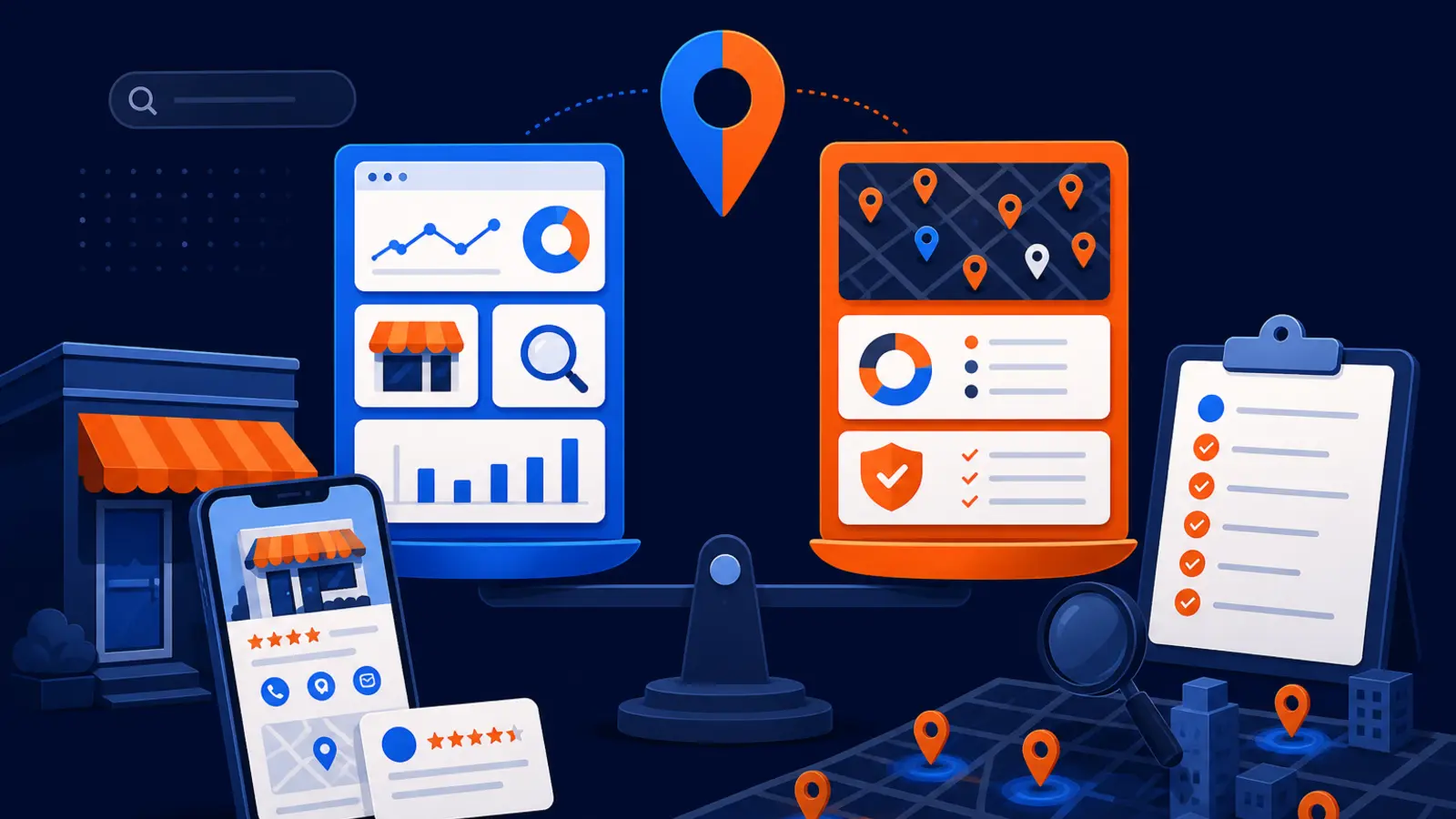
Choose a roster review when the problem is bigger than one listing
Choose a free agency roster review when you are no longer asking, "How is this one client doing?" and you are really asking, "Which clients are at risk, which have the best opportunity, and where should our team spend time first?" DIY local SEO with free Google tools and a rank tracker can work well for one business, a small handful of profiles, or an owner-operator who has time to check the details every week.
The DIY path is best when you have verified Google Business Profile access, only a few locations, clean website access, and enough time to interpret Google Business Profile, Google Search Console, Google Analytics, and rank-tracker reports. A roster-level review is the better fit when access is messy, reporting is inconsistent, clients are spread across markets, and your agency needs triage before committing staff or client budget.
What the DIY path can show you
Google Business Profile Help says a Business Profile lets a business manage how it appears on Google Maps and Search at no charge. Google also says a Business Profile is meant for businesses that make in-person contact with customers at a fixed location or within a local service area. Once a business adds or claims and verifies its profile, it can control how its business information appears on Google.
Google Search Console Help says Search Console is a free service for monitoring, maintaining, and troubleshooting a site's presence in Google Search results. It reports search queries, clicks, impressions, indexing issues, crawlability, and sites linking to the website. For a small agency with a few clients, these free tools can answer useful first questions without bringing in another vendor.
A DIY setup can usually help you check these basics:
- ▸Is the Google Business Profile verified?
- ▸Are the name, address, phone, hours, and service area accurate?
- ▸Are calls, directions, website clicks, messages, and bookings showing in profile performance?
- ▸Are Search Console clicks and impressions moving in the right direction?
- ▸Are there indexing or crawlability issues on the client site?
- ▸Did the client appear in the rank tracker from the chosen ZIP, town, or city?
Where DIY starts to break at roster level
DIY breaks down when the job changes from reading reports to making portfolio decisions. A rank tracker can show where a client appeared when the report ran, but it does not decide whether that client needs category cleanup, review work, service-page fixes, location-page work, ownership cleanup, or a deeper Maps strategy.
Google Business Profile Help says local results are mainly based on relevance, distance, and prominence, and that there is no way to request or pay for a better local ranking on Google. That means the fix is rarely one button. Across a client roster, you need a way to compare profiles, markets, access, tracking, and urgency so your team does not spend time on the loudest client while missing the client with the clearest opportunity.
A roster-level review becomes more useful when you see these patterns:
- ▸Different clients have different access levels.
- ▸Some profiles are verified and others are not.
- ▸Reports use different locations, keywords, or time periods.
- ▸Clients ask why Maps rankings changed, but your team only has a single rank-tracker snapshot.
- ▸Several clients serve nearby but very different markets.
- ▸You cannot tell which accounts need action first.
- ▸Your team is spending more time explaining data than improving the accounts.
Rank trackers are helpful, but they are not a full diagnosis
BrightLocal Help Center says a local rank tracker can assign a town, city, or ZIP search location and show where the business appeared in search at the time the report ran. That is useful. It gives you a repeatable view of rankings from a chosen location, which is better than manually searching from your office and hoping the result is meaningful.
The limit is that a rank tracker is still a measurement tool. It can show movement, but it does not explain every cause. Search Console average position has similar limits. Google Search Console Help says average position is the average topmost position for pages from the site, and Google recommends focusing more on impression and click trends than on position alone.
If your agency is using a rank tracker for one or two clients, DIY can be enough. If your team is trying to prioritize a whole roster, rank-tracker data should be one input among several, not the entire decision.
Access and ownership can decide the issue before strategy does
Before an agency can improve local SEO, it has to know who controls the assets. Google Business Profile Help says owners and managers can edit information, respond to reviews, and manage posts, and that each user needs a separate Google Account for access. Google also says new Business Profile owners and managers must wait 7 days before they can delete or undelete a profile, remove other users, or transfer primary ownership.
That matters for agencies. If a client roster has old vendors, former employees, shared logins, missing primary owners, or unverified profiles, the work may stall before strategy starts. Google Business Profile Help also says Google can update a Business Profile from sources such as user reports and licensed content, and a supported suggested edit may be published automatically if the business does not respond within 4 days.
A roster review is often worth considering when access risk looks like this:
- ▸The client is not sure who owns the profile.
- ▸The agency has manager access but not primary ownership visibility.
- ▸Several locations have different owners or managers.
- ▸Former vendors still have access.
- ▸Suggested edits are not being checked.
- ▸The team cannot respond quickly to profile changes.
- ▸Access cleanup would delay client work by days or weeks.
What to expect from a useful roster-level review
A useful roster-level review should not be a generic sales call. It should help your agency sort accounts into practical categories, such as quick cleanup, tracking issue, access issue, ranking opportunity, review weakness, website problem, or not ready yet. The point is to reduce uncertainty before your agency sells, renews, or outsources work.
The review should also make the data easier to trust. When Business Profile data is linked to Google Analytics, Google Analytics Help says Business Profile metrics are available for the last 6 months, and multiple linked profiles are shown as aggregated data rather than individual-profile segments. That is useful to know because an agency may need profile-level reporting elsewhere when managing many clients.
Look for these checkpoints before you rely on the review:
- ▸It separates verified and unverified profiles.
- ▸It checks whether location or service-area setup matches the business model.
- ▸It compares Maps visibility across the actual service area, not one office search.
- ▸It flags access, ownership, and manager issues.
- ▸It looks at calls, directions, website clicks, messages, and bookings where available.
- ▸It reviews Search Console trends without treating average position as the only signal.
- ▸It turns findings into client-level priorities.
- ▸It explains what your team can do in-house and what may need fulfillment support.
Questions to ask before you sign
Before you choose a roster-level review, ask practical questions that expose whether the provider understands agency operations, not just one local business profile. Use these questions in the call:
- ▸Will you review the whole roster or only one client?
- ▸How do you handle clients in different cities or service areas?
- ▸What access do you need before the review?
- ▸Will you identify clients that are not ready for SEO work yet?
- ▸How do you separate ranking issues from tracking issues?
- ▸Can you show visibility across a service area, not just one ZIP?
- ▸Will your findings be clear enough for account managers to explain?
- ▸Do you offer fulfillment if our team does not have capacity?
- ▸How do you avoid conflicts between clients in the same trade and service area?
Reviews and profile fundamentals still matter
A roster review should not ignore the basics. Whitespark's 2026 Local Search Ranking Factors report ranks primary Google Business Profile category, proximity to the point of search, keywords in the Business Profile title, physical address in the city of search, and business open at the time of search as the top five Local Pack and Maps factors. Some of those factors are controllable, some are not, and some create compliance or naming concerns that need careful handling.
Reviews also affect local trust. BrightLocal's 2025 Local Consumer Review Survey used a representative panel of 1,026 US adult consumers and found that 96% of consumers are open to writing a business review. For an agency, that means many clients may not have a ranking problem only. They may have a review process problem, a response problem, or a consistency problem.
When reviewing a roster, pay close attention to these fundamentals:
- ▸Primary category fit.
- ▸Service-area or address accuracy.
- ▸Hours and open status.
- ▸Review volume and review recency.
- ▸Review response habits.
- ▸Business name consistency.
- ▸Website page relevance.
- ▸Whether profile edits are being monitored.
When DIY is still the better choice
Do not buy help just because another tool or vendor exists. If you manage only a few simple accounts, have clean access, and can explain the data to clients, the free Google tools plus a rank tracker may be enough. Google Business Profile, Search Console, and profile performance reporting can answer many day-to-day questions if someone has time to review them carefully.
DIY is also a good fit when the client has not verified the Business Profile yet, the website has obvious technical problems, or the agency has not decided what service it wants to sell. In those cases, a roster review may still be useful later, but the first step is basic asset control and clean reporting.
Stay DIY when these conditions are true:
- ▸You manage only a few local clients.
- ▸Every profile is verified and accessible.
- ▸The business model is simple.
- ▸You have time to review data regularly.
- ▸Clients do not need cross-market comparisons.
- ▸Your team can act on findings without outside fulfillment.
- ▸Rank tracking is consistent and easy to explain.
When the roster review is the safer choice
Choose the roster review when the cost of guessing is higher than the cost of getting a second set of eyes. That point usually arrives when an agency has multiple clients asking the same Maps questions, but the internal team cannot quickly separate access problems, tracking problems, ranking problems, and sales-expectation problems.
It is also the safer choice when the agency is considering white label local SEO fulfillment. Digital Domination provides white label local SEO fulfillment for agencies across Maps, Google Business Profile, reviews, organic, Local Services Ads management, AI Overview and LLM SEO, and reporting. Its roster page also shows Google Partner and Meta Business Partner badges.
A roster review makes more sense when these conditions are true:
- ▸You need to triage many clients at once.
- ▸You are deciding which accounts to pitch, renew, or pause.
- ▸You need market-level visibility, not one search point.
- ▸Your team is short on local SEO fulfillment capacity.
- ▸You need reporting that account managers can understand.
- ▸You want to avoid client conflicts by trade and service area.
- ▸You need a partner that can help after the review.
How Digital Domination fits the agency decision
Digital Domination is built for agencies that need local SEO support without pretending every client is the same. The agency roster page explains its white label local SEO fulfillment and shows the Google Partner and Meta Business Partner badges. Digital Domination also works with one client per trade per service area, which matters when agencies want territory exclusivity.
For visibility checks, Digital Domination offers a free 169-point GeoGrid scan that checks 169 real Google results across the service area. That is different from looking at one rank-tracker point or manually searching from your office. For agencies, a scan can help identify whether a client has broad Maps visibility, patchy visibility, or little visibility across the area that actually matters.
Use this path if you are evaluating the next step:
- ▸Use DIY tools when you have a small, clean roster.
- ▸Use a rank tracker when you need repeatable location-based snapshots.
- ▸Use a roster-level review when you need to prioritize many clients.
- ▸Use the free GeoGrid scan when you need service-area visibility.
- ▸Use the agency roster page when you want to evaluate white label fulfillment.
The bottom line
The DIY route is the right choice for a small, orderly set of clients where your team has verified access, consistent tracking, and time to interpret the data. A free agency roster review is the better choice when you need to sort a larger client list by opportunity, risk, access, and fulfillment need.
If you want to see whether Digital Domination is the right fit, visit the Digital Domination roster page. It explains the agency fulfillment offer and the partner badges shown there. If you want visibility data first, request the free GeoGrid scan page, which checks 169 real Google results across the service area.
Keep reading
Related guides
Put it into action
Frequently Asked Questions
Can I do local SEO myself with free Google tools?
Yes, if you have verified profile access, a small number of locations, and time to review the data. Google Business Profile, Search Console, and profile performance reports can answer many basic questions. DIY becomes harder when you need to compare many clients and decide which ones need action first.
Is a rank tracker enough for local SEO reporting?
A rank tracker is useful because it can show where a business appeared from a chosen town, city, or ZIP when the report ran. It is not a complete diagnosis. You still need to check profile access, Business Profile accuracy, website performance, reviews, and service-area visibility.
When should an agency get a roster review?
Get a roster review when your team is managing multiple local clients and cannot quickly tell which accounts have the biggest opportunity or risk. It is especially useful when access is inconsistent, markets differ, or client reporting is taking too much time. The goal is triage, not another generic report.
What should a roster review include?
A useful roster review should separate verified and unverified profiles, flag access issues, compare local visibility, and identify which clients are ready for action. It should also make clear what your team can handle and what may need fulfillment support. Avoid reviews that only show rankings without explaining priorities.
Do I need verified Google Business Profile access first?
Verified access is strongly preferred because Google says only verified businesses can show business information on Maps and Search. Without access, your agency may not be able to edit information, respond to reviews, or manage posts. If access is messy, that alone is a reason to consider a roster-level review.
Why not just use Google Analytics for Business Profile data?
Google Analytics can show Business Profile metrics when linked, but Google Analytics Help says that multiple linked profiles appear as aggregated data rather than individual-profile segments. That can limit account-level decisions for agencies. A roster review should account for that reporting limitation.
What is the difference between one-client SEO help and a roster review?
One-client SEO help focuses on improving a single business. A roster review helps an agency decide which clients need attention first, which are not ready, and where fulfillment capacity should go. It is a planning tool for the whole client list.
Where do I go next if I want agency help?
Start with the Digital Domination roster page if you want to evaluate white label local SEO fulfillment for agencies. If you want ranking visibility before a sales conversation, request the free GeoGrid scan page. The scan checks 169 real Google results across the service area.
Ready to dominate your map?
Top 3 in the Google Map Pack in 12 weeks, or you don't pay.