
When to choose a free GeoGrid scan instead of doing local SEO yourself with free Google tools and a rank tracker
A practical buying guide for owners who need local ranking evidence by neighborhood, not just broad Search and Maps trends.
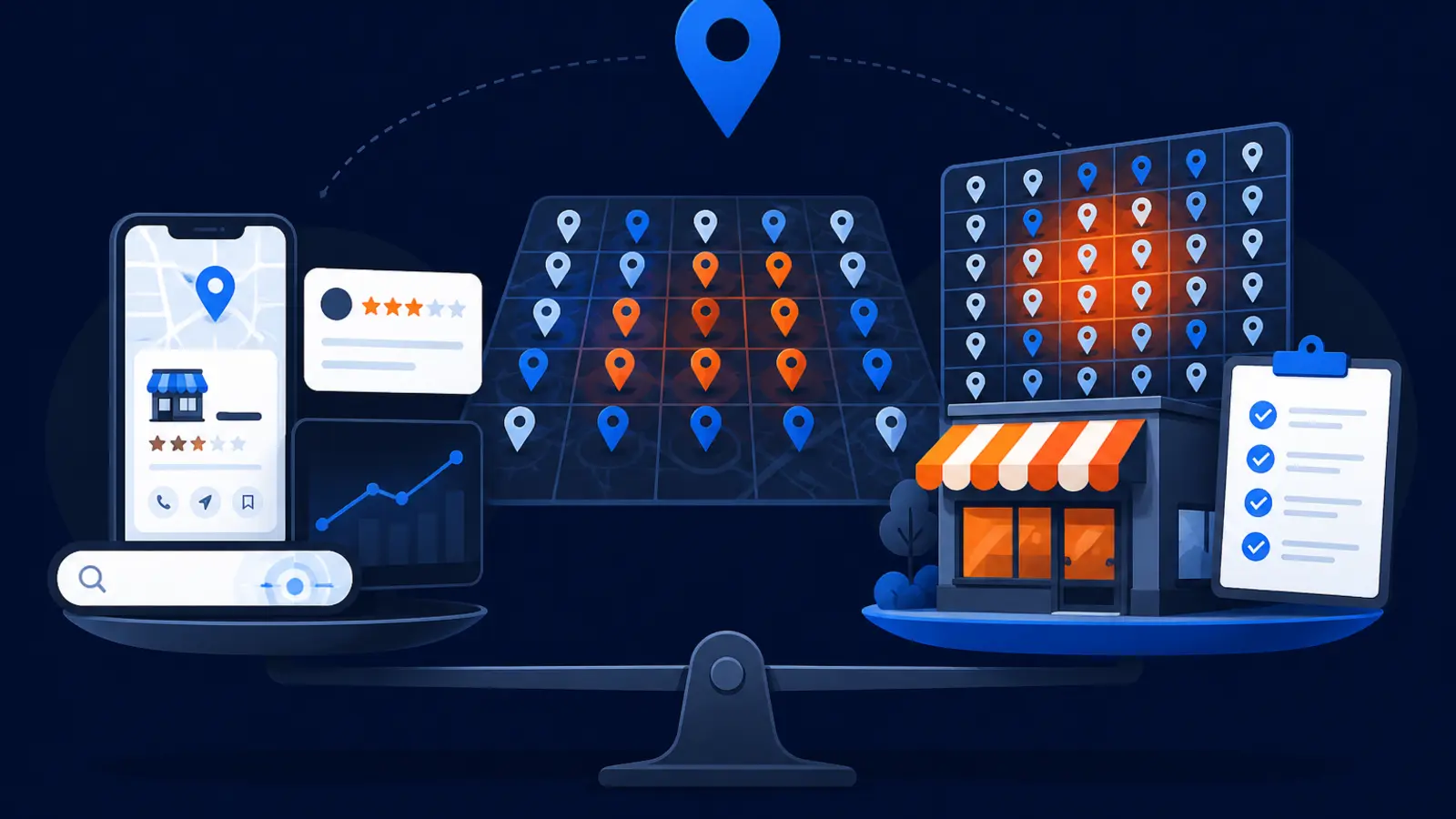
The short answer
Choose a free GeoGrid scan when you need to know where your business ranks across your actual service area, not just whether your Google Business Profile and website are getting some activity overall. The DIY path is fine when you have one verified location, only need basic Search and Maps performance trends, can wait for monthly query data, and do not need neighborhood by neighborhood ranking evidence.
A GeoGrid scan becomes more useful when calls depend on visibility in specific pockets of town. A roofer, dentist, towing company, med spa, plumber, or lawyer may rank near the office but disappear a few miles away. A single rank number, a manual Google search, or a monthly performance chart will not show that pattern clearly.
The main difference is evidence. Free Google tools tell you what happened across your profile or website. A GeoGrid scan shows what Google Maps returned from many precise points across your market for a chosen search. That is the better starting point when you are deciding whether you have a visibility problem, a proximity problem, or a competition problem.
What the free Google tools are good at
Google Business Profile performance and Search Console are useful, especially if you are a verified single-location business and you want a basic read on activity. Google Business Profile Help says performance data is available only for verified Business Profiles and requires signing in to the Google Account associated with the profile.
Google Business Profile Help says the performance data can show views, searches, directions, calls, website clicks, messages, bookings, products, menus, and offers when those metrics apply to the business. That is helpful for understanding whether people are interacting with your profile.
Google Search Console Help says the Performance report default view shows click and impression data for the past three months. It can help you see website search activity over time, but it is not the same as seeing your Google Maps position from different neighborhoods.
Use the DIY path when these checkpoints are enough for your decision:
- ▸You have one verified location.
- ▸You mainly want month to month trend data.
- ▸You do not need to prove rankings by neighborhood.
- ▸You can wait for Google Business Profile query updates.
- ▸You are checking general health, not making a budget decision.
Where DIY checks start to break down
DIY checking gets shaky when you try to answer a Maps ranking question with tools that were not built to show local coverage. Google Business Profile Help says local results on Google Maps and Search are mainly based on relevance, distance, and prominence. Distance matters, which means the searcher location can change what they see.
Google Business Profile Help also says distance is based on how far each business is from the searcher. If the searcher does not share location, Google uses what it knows about the searcher location. That is why searching from your office, your home, or your phone may not represent what prospects see across town.
Manual searches can be especially misleading. Google Search Console Help says a query in Search Console may not match a manual Google Search because results are specific to time, place, device, and recent search history.
DIY checks are weakest when you are trying to answer questions like these:
- ▸Do we rank in the neighborhoods that actually buy from us?
- ▸Are we visible only near our address?
- ▸Which parts of town are losing us calls?
- ▸Are we in the top three on Maps where it matters?
- ▸Did rankings improve across the market or only from one spot?
Why a GeoGrid scan answers a different question
A GeoGrid scan answers a location-specific question: where does this business rank on Google Maps from different points in the service area for a specific search? That is different from asking how many people viewed the profile last month or what the average website position was in Search Console.
BrightLocal Help Center describes a local search grid report as showing where a business ranks at points on a map for a tracked keyword instead of giving one ranking number for a whole city. Local Falcon explains that geo-grid rank tracking measures Google Maps rankings by running searches from many precise coordinates across a defined area instead of checking from one location.
Local Falcon also explains that every pin can represent a unique Google Maps search request from a specific latitude and longitude. That is why a grid can show whether visibility changes block by block, neighborhood by neighborhood, or suburb by suburb.
A GeoGrid scan is usually the better choice when your real question is:
- ▸Where do we rank from the places our customers search?
- ▸How far does our Maps visibility reach?
- ▸Are competitors beating us only in certain pockets?
- ▸Are we close to the top three or buried outside view?
- ▸Which area should we focus on first?
What to look for in the scan
A useful scan should be easy for a business owner to read. You should not need to understand technical SEO to see the pattern. You want a map that shows where you are strong, where you are weak, and where a competitor is likely taking the calls.
BrightLocal Help Center says local search grids can use color ranges for rank groups such as 1-3, 4-10, 11-20, and 21 or below. That kind of grouping matters because the top three Maps positions often get the most attention from searchers.
Local Falcon says a geo-grid scan can report Share of Local Voice as the percentage of grid points where the business ranks in the top three positions. That can be useful because it turns a messy map into one simple coverage measure, while still letting you inspect the individual pins.
When you review a scan, check for these practical items:
- ▸The scan uses the search phrase a customer would actually type.
- ▸The grid covers the service area you care about.
- ▸The pin colors make ranking groups easy to understand.
- ▸The report shows where you rank in the top three.
- ▸The weak areas are visible enough to discuss next steps.
- ▸The scan separates Maps evidence from general website traffic.
Seven questions to ask before you trust any local ranking report
Not every ranking report answers the same buying question. A standard tracker may be useful for trends, but it may not show what happens across a service area. A manual search may be fast, but it is not reliable evidence for a market decision.
Before you rely on any report, ask these questions:
- ▸Is it checking Google Maps from one spot or many precise points?
- ▸Does it show the neighborhoods where customers actually search?
- ▸Can I see top three visibility, not just a single rank number?
- ▸Is the keyword tied to real buying intent?
- ▸Does the report separate Maps rankings from website clicks?
- ▸Can I compare strong and weak parts of town at a glance?
- ▸Is the data fresh enough for the decision I am making?
When DIY is still the sensible choice
DIY is not automatically wrong. If you are not deciding on an SEO budget, not comparing providers, and not trying to prove neighborhood by neighborhood visibility, free Google tools may be enough for now.
This is especially true for a business with one verified profile, a small service area, and a simple goal of watching whether activity is moving in the right direction. Google Business Profile performance can show profile interactions when those metrics apply. Search Console can show clicks and impressions for the website.
DIY also makes sense if you have time to learn the reports and are not in a hurry. Google Business Profile Help says the searches metric is updated at the start of each month and might take up to 5 days to show up. It also says businesses cannot directly manage the search queries that appear when the profile shows for a search.
Stay DIY when these statements describe your situation:
- ▸You only need basic trend watching.
- ▸You are not choosing an agency or SEO program yet.
- ▸Your customers mostly come from very near your location.
- ▸You do not need visual proof for a partner or manager.
- ▸You are comfortable waiting for monthly query data.
- ▸You are not trying to diagnose Maps coverage by neighborhood.
When the free GeoGrid scan is the smarter first step
A free GeoGrid scan is the smarter first step when you need clarity before spending time or money. It helps you see the real Maps problem before you guess at fixes. That matters because Google Business Profile Help says there is no way to request or pay for a better local ranking on Google.
The scan is also useful when competitors seem to appear everywhere and your business only appears close to your office. Because local rankings are influenced by distance, relevance, and prominence, you need a map-based view to see whether the issue is limited to certain locations or spread across the whole service area.
Digital Domination's free scan checks 169 real Google results across the service area. That 169-point GeoGrid scan is designed to give an owner visual proof of where the business shows up and where it does not.
Choose the scan first if any of these are true:
- ▸You need a ranking map before a sales call.
- ▸You want to know if you are visible beyond your address.
- ▸You are comparing local SEO options.
- ▸You suspect you are missing calls in specific neighborhoods.
- ▸You want evidence before changing your Google Business Profile strategy.
- ▸You need a clear baseline before tracking improvement.
How to compare the cost of DIY time against a free scan
The direct cost of DIY tools may look low because Google Business Profile performance and Search Console do not require a paid subscription. The hidden cost is your time and the risk of making decisions from incomplete evidence.
A rank tracker may add more data, but you still need to check whether it measures Maps rankings from many coordinates or mostly reports a single position. Local Falcon notes that some local rank tracking tools charge credits per grid point, and a 5x5 scan uses 25 data points or credits. That is not bad, but it means owners should understand what they are buying.
A free scan is useful because it gives you the map view before you commit to software, agency work, or a long DIY project. You can still use your Google tools afterward. The difference is that you are no longer guessing which neighborhoods need attention.
Compare the options this way:
- ▸DIY is best for ongoing basic activity checks.
- ▸A standard rank tracker is best for simple ranking trends.
- ▸A GeoGrid scan is best for Maps visibility by location.
- ▸A free scan is best when you need evidence before spending.
- ▸Paid help is easier to judge after you see the baseline.
What Digital Domination's scan page gives you
If you want to see whether your business is actually visible across the area you serve, go to Digital Domination's Scan page and request the free GeoGrid scan. The page explains the scan, the 169-point GeoGrid check, and how the map shows real Google results across your service area.
Use it when you want a clear starting point before you keep doing local SEO yourself, buy a rank tracker, or talk to an agency. You will be able to see the ranking pattern first, then decide what level of help makes sense.
Keep reading
Related guides
- ▸Marketing a Practice in Nevada vs California
- ▸Online reputation management near me
- ▸Online Reputation Management Vs Doing Local SEO Yourself Diy With Free
Put it into action
Frequently Asked Questions
Is a free GeoGrid scan better than Google Business Profile performance?
It is better for a different question. Google Business Profile performance shows profile activity such as views, searches, calls, directions, and clicks when those metrics apply. A GeoGrid scan shows where you rank on Google Maps from many points across your service area.
Can I just search Google myself to see where I rank?
You can, but it is not reliable evidence for the whole market. Google Search Console Help says results can vary by time, place, device, and recent search history. A manual search from one phone or office does not show what prospects see across town.
When should I keep doing local SEO myself?
DIY is a good fit if you have one verified location and only need basic Search and Maps performance trends. It also works if you can wait for monthly query data and do not need neighborhood by neighborhood ranking proof.
What does a GeoGrid scan show that a normal rank tracker might miss?
A GeoGrid scan shows ranking positions at points on a map instead of giving one ranking number for a whole city. That helps you see whether you are strong near your address but weak in nearby neighborhoods or suburbs.
Why do my Maps rankings change by location?
Google Business Profile Help says local results are mainly based on relevance, distance, and prominence. Distance depends on how far the business is from the searcher, or what Google knows about the searcher location if no location is shared.
What is Share of Local Voice in a GeoGrid report?
Local Falcon describes Share of Local Voice as the percentage of grid points where the business ranks in the top three positions. In plain English, it helps show how much of the mapped area has top three visibility.
Do I need a GeoGrid scan if Search Console shows clicks?
Search Console clicks are useful, but they are website performance data. Google Search Console Help says average position is the average position of the topmost result from the site. That does not prove where your Google Business Profile ranks on Maps across your service area.
What should I do after I get the free scan?
Look for the areas where you rank in the top three and the areas where you do not show well. If the weak spots are in neighborhoods that matter to your revenue, the scan gives you a clearer starting point for deciding whether to keep DIY work going or get help.
Ready to dominate your map?
Top 3 in the Google Map Pack in 12 weeks, or you don't pay.