
Google adds gluten-free and dairy-free fields to Business Profile menus
Restaurants, cafes, bakeries and caterers should treat Google menu items as structured profile data, not just a menu link, PDF or photo.
What changed and who it affects
Google has added new dietary-restriction fields for restaurant food-menu items in Google Business Profile APIs. According to Google for Developers' Latest updates page, the change went live on 2026-10-09 and allows food-menu items to be marked as GLUTEN_FREE and DAIRY_FREE.
This matters for restaurants, cafes, bakeries, caterers, coffee shops, dessert shops and any local food business where dietary fit affects the decision to visit or order. A diner searching for a safe gluten-free lunch or a dairy-free dessert is not just browsing. That person may be ready to choose a nearby business now.
The key point is simple: Google menu data is becoming more specific at the dish level. Your menu should not live only inside a PDF, a photo, a scanned image or a third-party feed that may or may not pass the right details into your Business Profile.
The menu is no longer just a link
Many restaurant profiles still treat the menu as a single destination: upload a menu photo, add a website menu link, or connect a delivery platform. That is better than having no menu, but it does not give Google clean dish-level information.
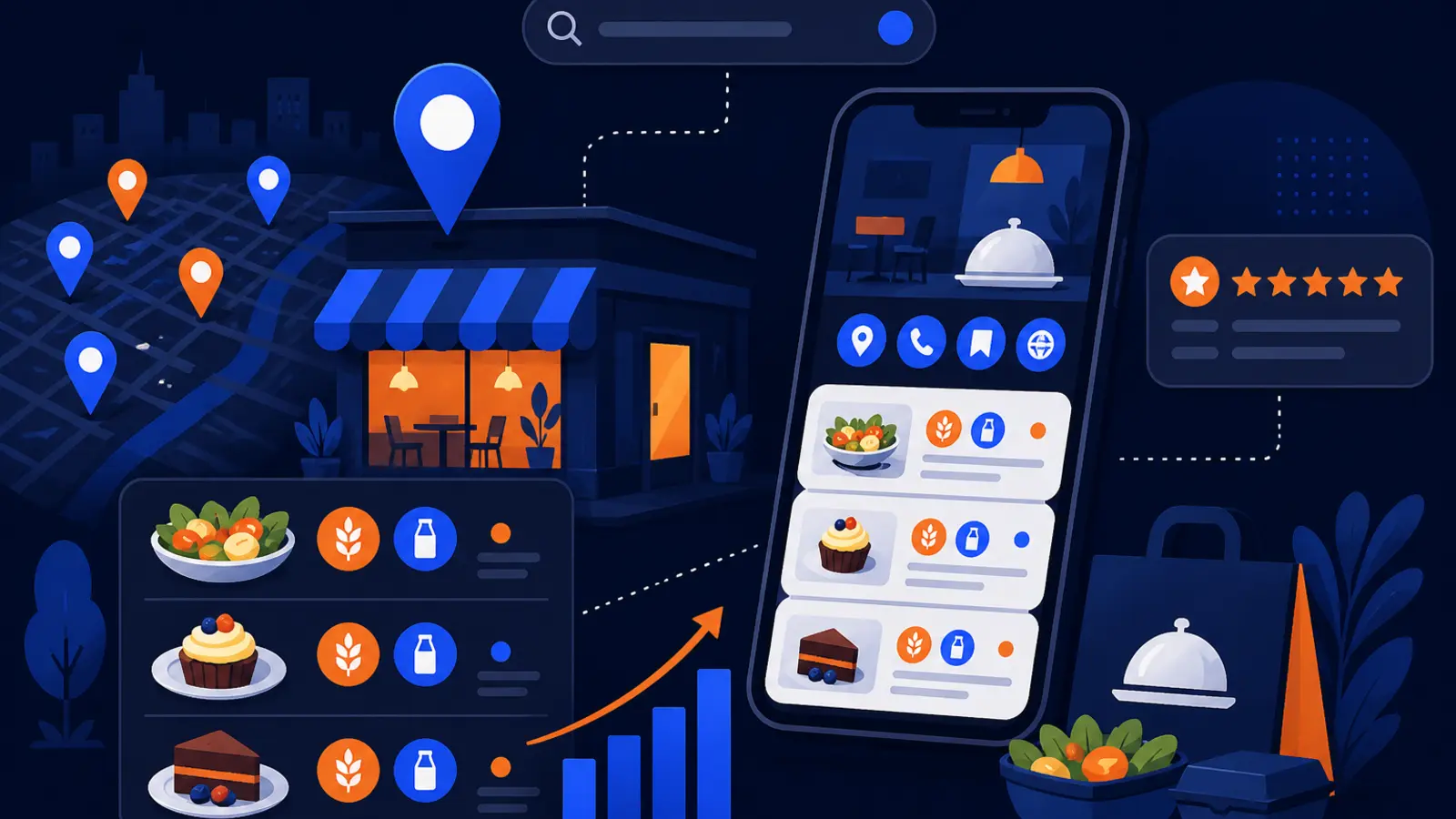
Google for Developers' FoodMenus reference now treats dietary restrictions as structured data that can sit alongside a dish name, price, allergens, nutrition facts, ingredients and dish photos. That is a different standard than a flat image of a menu board.
For a local business owner, this means your provider should be asking detailed menu questions, not just asking for your menu URL. At minimum, they should be able to confirm which menu items are entered as actual profile menu items and which items have attributes attached.
Why gluten-free and dairy-free labels matter locally
Dietary details are high-intent information. A customer who needs gluten-free or dairy-free options often rules businesses in or out before calling, booking, ordering or walking in. If your Google profile does not show the right details, that customer may never reach your website.
This is not only a marketing issue. It is also a trust and safety issue. A missing label can cost you a customer, but an inaccurate label can create a much bigger problem if a guest relies on it and your kitchen cannot support the claim.
These labels should be handled with the same care as hours, phone numbers and addresses, but with added food-safety review from the business owner or manager. Practical examples include:
- ▸A gluten-free label should match the way the dish is prepared, not just the ingredient list.
- ▸A dairy-free label should account for sauces, toppings, cooking fats and substitutions.
- ▸Menu updates should be reviewed when recipes or suppliers change.
- ▸Staff should know what the Google profile says, so they do not contradict it on the phone or in person.
Five things to check on your profile this week
You do not need to understand APIs to act on this change. Start by looking at your own Google Business Profile as a customer would, then compare what appears there to the menu you hand to guests in the restaurant.
If a vendor manages your profile, ask for a simple export, screenshot or walkthrough of your item-level menu data. You are looking for accuracy, not technical jargon.
Check these five items this week:
- ▸Open your Google Business Profile and review the visible menu section on mobile.
- ▸Compare dish names, prices and descriptions against your current in-house menu.
- ▸Identify which items should be labeled gluten-free or dairy-free, if any.
- ▸Remove labels from items where cross-contact, substitutions or preparation methods make the claim unclear.
- ▸Ask who is responsible for updating Google when your menu changes.
What a local SEO provider should manage
A restaurant's local SEO provider should manage Google Business Profile menu items as structured data when the business depends on menu-driven searches. That does not mean the provider decides what is gluten-free or dairy-free. It means the provider creates and maintains the profile data accurately after the restaurant verifies the food facts.
The provider's job is to keep Google's version of the menu aligned with the real menu, then document changes so the owner can review them. This is especially important for multi-location restaurants, seasonal menus, catering menus and bakeries with rotating items.
A responsible provider should have a clear process for these tasks:
- ▸Collect current menu items from the business, not from old web pages.
- ▸Confirm dish-level attributes with the owner, chef or manager.
- ▸Update item names, descriptions, prices and photos when provided.
- ▸Flag risky claims that need food-safety confirmation before publishing.
- ▸Keep a change log when dietary labels are added, removed or edited.
What not to leave buried in a PDF or photo
PDF menus and menu photos are still useful for customers who want the full menu. They are not enough when Google supports more detailed item-level fields. A PDF may be hard to read on a phone, and a photo may not give Google clean data for each dish.
The iTechGuides article titled Google Menu Dietary Labels: Gluten-Free, Dairy-Free, Halal and Kosher covered the broader move toward dietary menu labels inside Google menu information. The practical takeaway is that more menu details are being separated into fields that can be managed, checked and updated.
If the following details matter to your customers, they should not be trapped only in an image or document:
- ▸Dietary labels, including gluten-free and dairy-free where accurate.
- ▸Dish names and descriptions that match your actual menu.
- ▸Prices that customers can trust before they visit.
- ▸Ingredients or allergen notes that your team has approved for public display.
- ▸Dish photos that match the item being described.
Where mistakes can hurt trust
Structured menu data is useful only if it is correct. Bad data can be worse than no data because it gives customers confidence in the wrong answer. That is especially true for dietary restrictions.
Owners should treat gluten-free and dairy-free labels as claims that need internal approval. If a dish can be modified to be dairy-free, that is not always the same as being dairy-free by default. If a dish has no gluten ingredients but is cooked in shared equipment, the business needs to decide how to describe it safely.
Before adding labels, ask your team these questions:
- ▸Is the item always prepared this way, or only by request.
- ▸Do sauces, garnishes, dressings and sides match the label.
- ▸Could shared fryers, prep surfaces or equipment affect the claim.
- ▸Does the front-of-house team give the same answer as the profile.
- ▸Who has final approval before a dietary label goes live.
How this connects to local rankings
Google's local ranking factors are relevance, distance and prominence. Menu fields most directly support relevance because they help Google understand what your business offers and what each menu item is. They do not replace reviews, proximity, category selection or a strong profile, but they can make your profile more complete for food-related searches.
For example, a cafe with clearly entered dairy-free pastries gives Google and customers better information than a cafe that only has a blurry pastry case photo. A caterer with item-level menu details is easier to evaluate than one with a generic catering link and no dish details.
This does not mean every restaurant will suddenly rank differently because of two new fields. It means accurate menu data is part of the local SEO work that should be kept current, especially when diners make decisions based on specific foods, ingredients and restrictions.
What to do about it
Start with ownership. Someone inside the business should be responsible for saying whether a menu item truly qualifies as gluten-free or dairy-free. Your SEO provider, web designer or delivery platform should not guess.
Next, create a short working list of your current menu items. Mark which ones are always gluten-free, which ones are always dairy-free, which ones can be modified, and which ones should not carry either label. Keep that list somewhere your manager can update when recipes change.
Then ask your provider to show how that information is reflected inside your Google Business Profile menu data. If they only point to a menu link, ask whether item-level menu data is being managed too.
Owner-level actions to take now:
- ▸Assign one menu-data owner inside the business.
- ▸Review gluten-free and dairy-free claims with the kitchen before publishing.
- ▸Keep a current menu list with dish names, prices and approved labels.
- ▸Ask your GBP provider for proof that item-level menu data is updated.
- ▸Review your profile again after any seasonal menu change.
Questions to ask before hiring GBP help
If you are shopping for Google Business Profile or local SEO help, this update gives you a useful screening question. Ask whether the provider manages menu items as structured data or simply uploads a menu link and moves on.
A good answer should be plain and specific. The provider should explain how they gather menu data, who approves dietary labels, how often they check for changes and what they do when a menu item is removed.
Ask these questions before you hire someone:
- ▸Do you update individual Google menu items, not just the menu URL.
- ▸How do you confirm gluten-free and dairy-free labels before publishing.
- ▸Will you document changes for owner review.
- ▸Can you handle seasonal, catering or location-specific menus.
- ▸Who fixes the profile if Google, a platform or a staff member changes menu data.
Why structured menu work should be part of GBP SEO
A Google Business Profile is not a set-it-and-forget-it listing. For food businesses, it is often the first menu a customer sees. If that menu is incomplete, outdated or missing dietary details, your profile may create friction at the exact moment a diner is choosing where to go.
The Google for Developers FoodMenus reference makes clear that menus can contain much more than a link. Dish-level data can include fields that help Google and customers understand what is actually being sold. The 2026-10-09 update adds more reason for restaurants to treat profile menu management as ongoing local SEO work.
The right standard is not technical complexity for its own sake. The right standard is accuracy, clarity and a process that keeps your public menu aligned with your real one.
The business decision for restaurant owners
This update should change the way restaurant owners evaluate local SEO help. If a provider treats your menu as a single link or a one-time upload, they may be missing the structured details that increasingly matter on Google. For restaurants, cafes, bakeries and caterers, menu accuracy is part of reputation, search visibility and customer trust.
Digital Domination is a Las Vegas local SEO agency serving local service businesses nationally, and our Google Business Profile SEO page explains how profile optimization, category work, content, reviews and local visibility tracking fit together. You can read it at digitaldomination.ai/google-business-profile-seo/.
If you want to see how your restaurant or local business shows up across your market before making a decision, start with the free GeoGrid scan at digitaldomination.ai/scan/.
Keep reading
Related guides
- ▸Local SEO services vs doing local SEO yourself
- ▸Most local business websites still lack LocalBusiness schema
- ▸Med spa local SEO
Put it into action
Frequently Asked Questions
Can I add gluten-free and dairy-free labels to my Google Business Profile menu?
Google's 2026-10-09 update added support for GLUTEN_FREE and DAIRY_FREE dietary-restriction attributes for food-menu items through the Google Business Profile APIs. Restaurant owners should ask their provider or platform whether those item-level fields are being managed for their profile.
Is a menu PDF enough for Google Business Profile SEO?
A menu PDF is helpful for customers, but it is not the same as structured menu data. If your profile only points to a PDF, Google may not have clean dish-level information such as prices, ingredients, photos or dietary labels.
Should my SEO company decide which dishes are gluten-free?
No. Your business should approve all dietary claims because you understand recipes, suppliers and kitchen procedures. Your SEO company can enter and maintain the data after your owner, chef or manager confirms it.
What is structured menu data on Google Business Profile?
Structured menu data means individual menu items are entered with specific fields, such as dish name, price, description, dietary restrictions, allergens, nutrition facts, ingredients and photos. It is different from uploading a flat photo or linking to a menu page.
Will gluten-free and dairy-free menu fields improve my rankings?
Google's local ranking factors are relevance, distance and prominence. Accurate menu fields can support relevance by helping Google understand what you offer, but they are not a stand-alone ranking fix.
What if an item can be made dairy-free only by request?
Be careful before labeling that item as dairy-free by default. If the standard dish contains dairy, your menu description or staff instructions may need to explain the modification rather than applying a blanket label.
How often should I update Google menu items?
Update your Google menu data whenever prices, recipes, availability, photos or dietary details change. At minimum, review it during every seasonal menu change and after any supplier or recipe change that affects gluten-free or dairy-free claims.
Ready to dominate your map?
Top 3 in the Google Map Pack in 12 weeks, or you don't pay.