
Google Business Profile optimization for HVAC
Make your HVAC company eligible, accurate, and competitive in the Google Map Pack for the real area you serve.
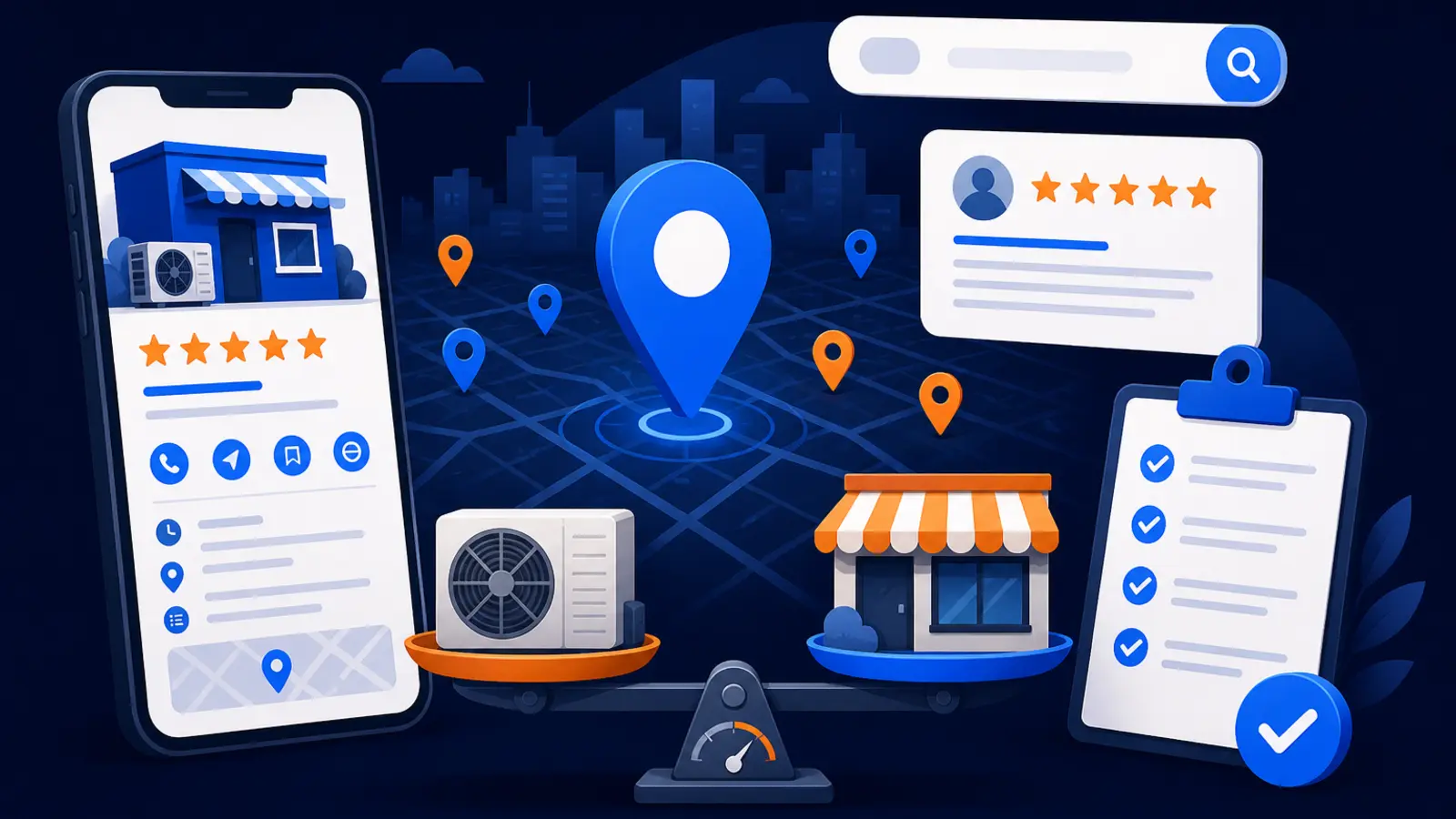
Yes, if the work follows Google’s rules
A provider can help your HVAC company become eligible and more competitive in the Google Map Pack, but not by paying Google or bending the rules. Google Business Profile Help says there is no way to request or pay Google for a better local ranking. It also says local results are mainly based on relevance, distance, and popularity.
For an HVAC company, the right work is practical: verify the profile, set the correct business type, hide the address if you are a service-area business, choose specific categories, add accurate services, keep hours current, upload real photos, and build a steady review process. None of that guarantees Google will show you everywhere, but it gives Google clearer information and gives customers more reasons to choose you.
Digital Domination’s job is to make that work visible, measurable, and compliant. We start with a 169-point GeoGrid scan, then build the plan around your real service area instead of chasing vanity rankings from one location.
Why HVAC profiles get into trouble
HVAC companies often serve customers at homes and commercial buildings rather than at a public office. That matters because Google Business Profile Help says a business without a storefront with clear signage that travels to customers at their physical locations is allowed one service-area Business Profile. Google also says a service-area business should hide its business address from customers.
That means an HVAC contractor should not create fake office locations, use employee homes as public storefronts, or stuff city names into the business name. Those shortcuts can create verification problems, suspensions, and customer confusion.
The safe setup usually checks these boxes:
- ▸One legitimate profile for the service-area HVAC business
- ▸Address hidden if customers do not visit a staffed storefront
- ▸Service areas entered as cities, postal codes, or other allowed areas
- ▸No radius service area, because Google says service areas cannot be set as a radius
- ▸No fake locations created just to rank in nearby cities
What optimization includes for an HVAC company
Google Business Profile Help says providing complete and detailed business information helps Google understand a business and match the Business Profile to relevant searches. For HVAC, that means the profile should clearly explain what you do, where you work, when you answer, and how a customer can contact you.
Categories matter. Google says Business Profile categories should use as few categories as possible, be specific to the main business, and not be used solely as keywords. Google allows one primary category and up to 9 more categories, but more is not always better if the extra categories muddy the signal.
A complete HVAC optimization plan should cover these items:
- ▸Correct primary category for the main HVAC business
- ▸Secondary categories only when they fit real services
- ▸Accurate phone, website, hours, and holiday hours
- ▸Service areas set by city, postal code, or other allowed area
- ▸Core services added to the profile
- ▸Real photos of trucks, equipment, staff, and completed work
- ▸Review request process that does not pressure or mislead customers
- ▸Call and website click checks each week
Verification is not something an agency controls
Verification is one of the most misunderstood parts of Google Business Profile work. Google Business Profile Help says verification methods are automatically determined by Google and cannot be changed. In plain English, nobody can choose the easiest verification method for you just because they know a trick.
Google says verification reviews take up to 5 business days after the verification steps are completed. For postcard verification, Google says most codes arrive within 14 days and expire after 30 days. If an HVAC provider tells you it can skip verification, force a certain method, or guarantee instant approval, that is a warning sign.
A good provider should prepare you before verification starts, make sure the profile information is consistent, and help you respond if Google asks for documentation. The goal is to reduce friction, not pretend Google’s process does not apply.
What to expect before work begins
Before you pay for Google Business Profile optimization, you should be able to see the current problem clearly. For HVAC, one office ranking near the shop does not prove that you show up across your service area. A company can look strong from one search point and nearly invisible five miles away.
Digital Domination uses a free GeoGrid scan to check 169 real Google results across the service area. That gives you a visual map of where the HVAC company is already showing, where it is weak, and whether the opportunity is worth pursuing.
Here are the checkpoints an owner can verify before signing:
- ▸You can see a map-based ranking scan, not just one keyword screenshot
- ▸The scan covers your real service area
- ▸The provider explains which profile fields need correction
- ▸The provider identifies any rule risks before changing the profile
- ▸You know who will handle photos, services, hours, and review requests
- ▸You know how calls and website clicks will be checked
- ▸You know what will be reported weekly
Seven questions to ask before you sign
A low price can be fine if you are buying a small task. It can be expensive if the work creates a suspended profile or sends your leads to the wrong area. Use plain questions and expect plain answers.
Ask these questions before you hire anyone for HVAC Google Business Profile work:
- ▸Will you hide our address if customers do not visit a staffed storefront?
- ▸How will you choose our primary and secondary categories?
- ▸Will you create any extra locations or profiles for nearby cities?
- ▸How will you set our service areas if Google does not allow radius targeting?
- ▸What proof will we see that rankings are improving across our actual service area?
- ▸How will you help us get more reviews without violating Google’s rules?
- ▸What happens if the profile needs reverification or Google asks for more information?
Reviews matter, but the process must be steady
Reviews are a major trust signal for homeowners choosing an HVAC contractor. BrightLocal’s Local Consumer Review Survey 2026 says 97% of consumers read reviews for local businesses. That does not mean you need gimmicks. It means you need a simple, consistent process after real service calls.
For HVAC companies that only need review help, Digital Domination offers the 5-Star Review System for $297/month, with no setup fee, cancel anytime, billed monthly through Stripe. It is separate from a full Maps program and is a fit when the profile is already sound but the review habit is inconsistent.
A practical HVAC review process should include:
- ▸Asking real customers after completed work
- ▸Making the review link easy to find
- ▸Training office staff and technicians on when to ask
- ▸Responding to reviews in a professional tone
- ▸Watching for patterns in customer feedback
- ▸Avoiding fake reviews, review gating, or pressure tactics
Photos, services, and profile content should match real work
Google Business Profile Help says service businesses may showcase offerings directly on the Business Profile and can add service categories or custom services. For HVAC, that can include the kinds of work customers actually search for, such as repair, replacement, tune-ups, indoor air quality, and emergency service if those are truly offered.
Photos should also be real. Google Business Profile Help says photos and videos show on a Business Profile only after the profile is verified, and uploaded media can take up to 24-48 hours to show. Google says photo files should be JPG or PNG, 10 KB to 5 MB, with 720 px by 720 px recommended resolution and 250 px by 250 px minimum resolution.
Good HVAC profile content is built from real operations:
- ▸Service names customers recognize
- ▸Descriptions that match actual work
- ▸Truck and technician photos where appropriate
- ▸Equipment and jobsite photos with customer privacy respected
- ▸Seasonal updates when hours or offers change
- ▸No stock photo library pretending to be your crew
Competitive means measured across the whole service area
An HVAC business does not need to win one search at the office. It needs to be visible where profitable customers live and call from. That is why single-point rank checks can mislead owners.
Digital Domination’s 169-point GeoGrid scan checks real Google results across the service area. In an active Maps Domination Program, weekly GeoGrid tracking reports show visual proof of rankings and call volume. Pricing for the Maps Domination Program is set per market on a qualification call and tied to the ranking outcome.
The useful reporting is simple:
- ▸Where you show in the Map Pack
- ▸Where you do not show yet
- ▸Which areas are improving
- ▸How call volume is moving
- ▸What profile work was completed
- ▸What needs attention next
When the cheaper DIY path makes sense
The cheaper DIY path suits an owner or office manager who can verify the profile, update services, service areas, hours, photos, and reviews, and check calls and website clicks each week. If you have someone detail-oriented in the office, this may be a reasonable place to start.
DIY becomes harder when the company serves multiple cities, has a messy old profile, changed addresses, added technicians, expanded service lines, or cannot tell where calls are coming from. It also becomes harder when competitors are actively improving their profiles and review systems.
DIY is a better fit when these are true:
- ▸You can access and manage the Business Profile
- ▸You understand whether you are a storefront, service-area, or hybrid business
- ▸You can keep hours and holiday hours current
- ▸You can upload real photos regularly
- ▸You can ask for reviews consistently
- ▸You can check calls and website clicks every week
- ▸You are comfortable reading ranking changes across multiple areas
How Digital Domination handles HVAC Map Pack work
Digital Domination works with one client per trade per service area, which means territory exclusivity matters. We do not take two HVAC companies in the same service area and ask them to compete inside the same campaign.
The company has spent 20 years learning how businesses earn attention, authority, trust, and rankings online. Digital Domination also shows Google Partner and Meta Business Partner badges on its roster page. For qualified Maps campaigns, the guarantee is: top 3 in the Google Map Pack in 12 weeks or you do not pay.
The work starts with the market, not a canned package:
- ▸Free 169-point GeoGrid scan
- ▸Qualification call to review the service area and competition
- ▸Profile cleanup based on Google’s rules
- ▸Category, service, photo, and review process improvements
- ▸Weekly GeoGrid tracking reports
- ▸Call volume visibility
- ▸Territory exclusivity for your trade and area
What we will not do
The right HVAC Google Business Profile plan should protect the asset. A profile that gets suspended, misrepresents the business, or confuses customers is not a win even if it creates a short bump.
Digital Domination will not build the strategy around shortcuts that violate Google’s Business Profile rules. The work should make the company easier for Google and customers to understand.
That means no tactics like these:
- ▸No paying Google for better local ranking
- ▸No fake HVAC offices in cities you want to target
- ▸No public home address for a service-area business that should hide its address
- ▸No category stuffing just to add keywords
- ▸No radius service area setup
- ▸No fake reviews
- ▸No promises to control Google’s verification method
Next step for HVAC owners
If you want the full HVAC version, visit Digital Domination’s HVAC industry page. It explains the Maps program for HVAC companies, what we look at, and how the service is built around your trade and service area.
If you want to see where you stand first, request the Free GeoGrid scan. It checks 169 real Google results across your service area so you can see whether the opportunity is worth a conversation before you buy anything.
Keep reading
Related guides
- ▸Local SEO services vs doing local SEO yourself
- ▸Most local business websites still lack LocalBusiness schema
- ▸Med spa local SEO
Put it into action
Frequently Asked Questions
How do I make my HVAC company show up on Google Maps?
Start with a verified Google Business Profile that accurately describes your HVAC company. Google Business Profile Help says local results are mainly based on relevance, distance, and popularity, so complete information, correct categories, real service areas, reviews, and photos all matter.
Can an HVAC company use a service-area Google Business Profile?
Yes, if the business travels to customers at their physical locations and does not serve customers at a staffed storefront. Google Business Profile Help says that kind of business is allowed one service-area Business Profile and should hide its address from customers.
Can I pay Google to rank my HVAC company higher?
No. Google Business Profile Help says there is no way to request or pay Google for a better local ranking. You can pay a provider to improve the profile, fix rule issues, build a review process, and track results, but not to buy placement from Google.
How many service areas can I add to my HVAC Google Business Profile?
Google Business Profile Help says Google allows up to 20 service areas based on cities, postal codes, or other areas served. It also says a service area cannot be set as a radius, so your service area should be entered using allowed place types.
How long does Google Business Profile verification take for HVAC?
Google Business Profile Help says verification methods are automatically determined by Google and cannot be changed. After the verification steps are completed, Google says verification reviews take up to 5 business days. If postcard verification is used, most codes arrive within 14 days and expire after 30 days.
What should an HVAC company post on its Google Business Profile?
Use real business information and real work. Add accurate services, current hours, service areas, and photos of trucks, staff, equipment, and completed work where customer privacy is protected. Google says uploaded photos and videos can take up to 24-48 hours to show after the profile is verified.
Is Google Business Profile optimization worth it for HVAC companies?
It is worth considering if your company depends on local calls and you are not visible across your real service area. The key is to measure visibility from multiple search points, not just from your office. A 169-point GeoGrid scan can show where you are strong, weak, or absent before you commit to a campaign.
Ready to dominate your map?
Top 3 in the Google Map Pack in 12 weeks, or you don't pay.