
Google Maps ocean-pin bug puts service-area businesses at risk
If your Google Business Profile hides your address and your pin suddenly appears offshore, do not panic, but do not ignore it either.
What changed and who it hits
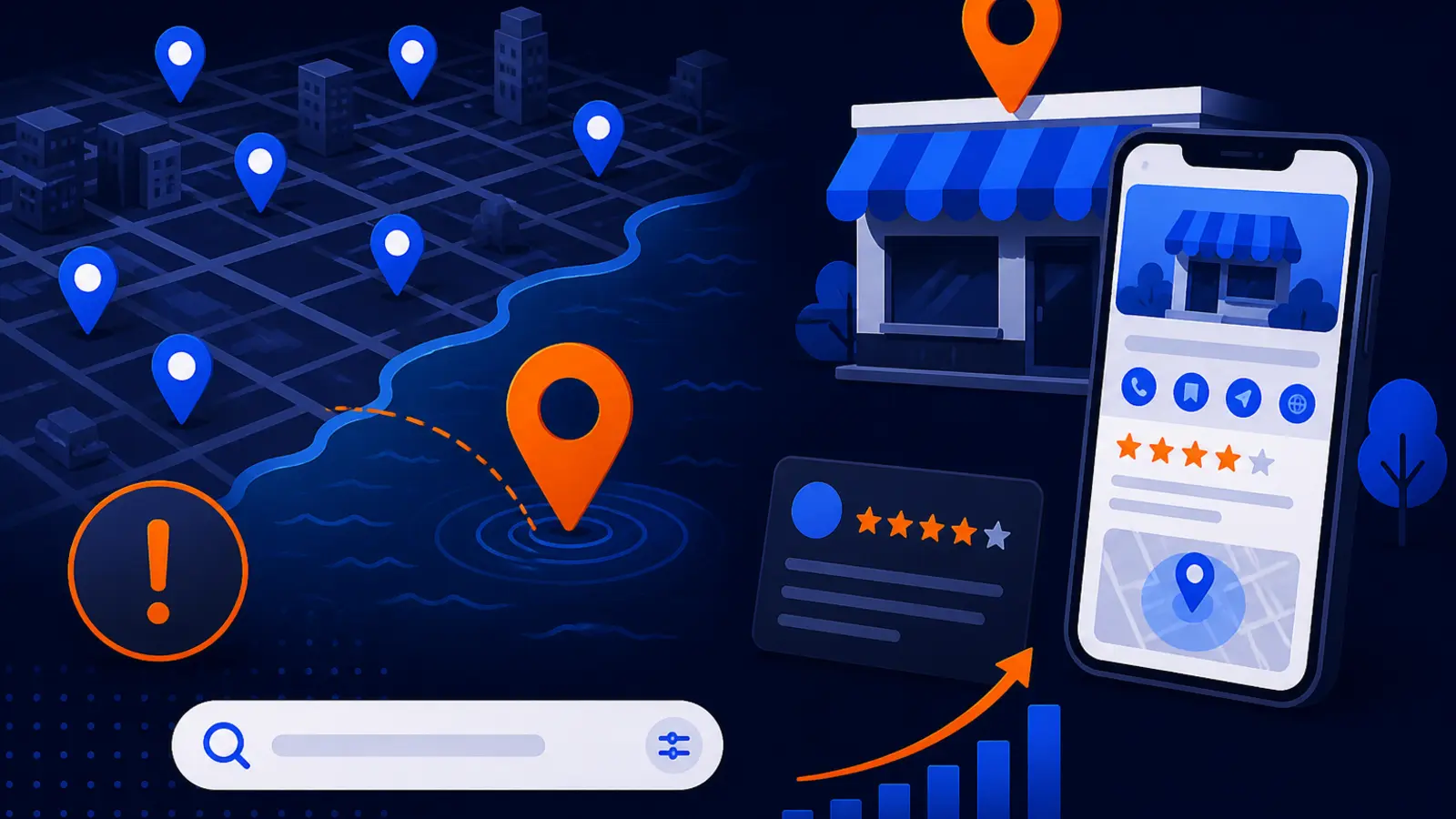
Search Engine Roundtable reported on September 29, 2026, that a Google Business Profile and Google Maps bug is placing some service-area business map pins in the middle of the ocean while still showing the correct service area. The Social Shepherd covered the same issue the same day, pointing to hidden-address service-area businesses as the likely group affected.
In plain English, your Google Business Profile may still say you serve the right cities, but the actual map pin can appear far away from your market. That matters most for businesses that travel to customers instead of receiving customers at a storefront.
This can hit plumbers, mobile mechanics, appliance repair companies, landscapers, cleaners, roofers, locksmiths, mobile notaries and similar operators. If your street address is hidden because customers should not visit that location, you are exactly the type of business that should check your profile this week.
Why a wrong pin is more than a map glitch
For a service-area business, a bad map pin is not just cosmetic. Google’s local results depend on relevance, distance and prominence. If the system is reading your pin as offshore or far outside your real market, the distance part of local ranking can become a serious concern.
Customers may also see the pin and lose confidence. A homeowner searching for emergency plumbing does not want to wonder why the business appears to be floating in the ocean. Even if the service area text is correct, the visual mismatch can make the listing look fake, abandoned or broken.
The practical risk is simple: fewer calls, fewer direction-like interactions, weaker Map Pack visibility in the areas that normally matter to you and more hesitation from customers who do find the listing.
Why you should not rush to unhide your address
The tempting fix is to put your street address back on the profile and hope Google snaps the pin back into place. For many service-area businesses, that is the wrong first move.
If your address is a home, a warehouse, a virtual office or any place customers should not visit, showing it can create a Google Business Profile compliance problem. It can also confuse customers who may drive to a location where you do not serve walk-in traffic.
Before changing the address setting, separate two problems: the bug itself and the business impact. The bug needs documentation and reporting. The impact needs measurement. Unhiding an address too quickly can create a second problem while you are trying to solve the first.
Five things to check on your profile this week
You do not need to be technical to spot the most obvious warning signs. Set aside a few minutes, use both desktop and mobile if possible and check your live Google result the way a customer would see it.
Use this quick profile check before you change any settings:
- ▸Search your exact business name in Google Maps and look at where the pin appears.
- ▸Open your Google Business Profile and confirm that your address is still hidden if customers do not visit you.
- ▸Confirm that your service areas still list the cities, towns or neighborhoods you actually serve.
- ▸Check your business category, phone number and website link to make sure nothing else changed at the same time.
- ▸Take screenshots of the wrong pin, the service area and the profile details so you have a record.
What to do about it right now
If your pin is wrong but your service area is right, treat it like a platform issue first and a ranking issue second. The goal is to preserve your compliance, document the error and watch the business signals that matter.
Do these owner-level actions before making major edits to your Google Business Profile:
- ▸Do not unhide a non-customer-facing address just to move the pin.
- ▸Take dated screenshots from Google Search and Google Maps.
- ▸Use the profile support or feedback options inside Google products to report the incorrect pin.
- ▸Write down when you first noticed the issue and whether any profile edits happened shortly before it appeared.
- ▸Ask whoever answers the phone whether call volume feels normal, slower or unusual.
- ▸Check your Google Business Profile performance data for calls, website clicks and direction-related activity.
- ▸Keep a simple log for the next 1-2 weeks so you can compare what changed.
How to tell whether rankings and calls are affected
A wrong pin is scary, but not every glitch creates the same business damage. The key question is whether your visibility changed in the places where customers actually search.
Do not judge this from one search on your phone. Your own location, search history and device can distort what you see. You need to check from the market, not just from your office, couch or truck.
Look for these signs that the bug may be hurting performance:
- ▸You no longer appear in the Map Pack for searches that usually bring calls.
- ▸You show up near the wrong geography instead of your actual service area.
- ▸Calls or website visits from your profile dropped around the time the pin moved.
- ▸Competitors that you usually see below you are now appearing above you in key areas.
- ▸Customers mention that your location looks wrong or ask whether you really serve their area.
When waiting for Google is reasonable
Waiting can be reasonable if the only visible issue is the offshore pin and your leads are still coming in normally. Bugs that affect many profiles often need platform-level fixes. Repeated profile edits can sometimes make cleanup harder, especially if you start changing core business information that was previously correct.
A patient approach makes the most sense when your business name, phone number, website, categories and service areas are all accurate. In that situation, the safest move may be to document, report and monitor instead of trying to force the map to behave.
Waiting does not mean doing nothing. It means you avoid risky edits while checking whether the issue is costing you visibility or calls.
When you should consider a local SEO audit
An audit makes sense when the wrong pin lines up with a real business concern. If calls slowed down, the Map Pack looks different or you cannot tell whether your visibility changed, a local SEO audit can help separate a temporary Maps bug from a broader profile problem.
A good audit should not simply say your pin is in the wrong place. You already know that. It should show where you rank across the market, whether competitors are passing you in important search areas and whether your profile setup creates any compliance risk.
An audit is most useful when you need answers to these questions:
- ▸Am I still visible in the neighborhoods or cities that produce customers?
- ▸Did the pin issue start at the same time as a drop in calls or clicks?
- ▸Is my service-area setup correct for the way my business operates?
- ▸Are there other profile issues that could be hurting relevance or prominence?
- ▸Can I document the problem clearly before making support requests or profile changes?
How customers may read an offshore pin
Local SEO is not only about the algorithm. It is also about trust at the moment someone is deciding who to call. A strange map pin can create doubt even when the rest of your profile looks strong.
Some customers will not understand that this may be a Google Maps bug. They may assume the business moved, closed, faked its location or does not really serve their area. That is especially risky for urgent home services where the customer is making a fast decision.
You cannot control every map display, but you can reduce confusion by keeping the visible parts of your profile clean. Make sure your business description, service areas, website and recent posts or photos reinforce that you serve the local market.
Do not confuse the pin with the service area
The reports from Search Engine Roundtable and The Social Shepherd both point to an odd combination: the pin is wrong, but the service area can still appear correct. That is why business owners should check both elements before assuming the entire profile is broken.
Your service area tells customers and Google where you operate. Your map pin is the location marker Google is displaying. For a hidden-address business, those can behave differently, and this bug appears to expose that difference in a very visible way.
When you review the profile, check these items separately:
- ▸The map pin location that appears to the public.
- ▸The service areas listed in your Google Business Profile settings.
- ▸The address visibility setting for your profile.
- ▸The city and service language on your website.
- ▸The way your listing appears for searches from different parts of your market.
The decision: wait, edit or audit
If your pin is offshore today, the safest first answer is usually: document it, report it and do not expose a private or non-customer-facing address to force a fix. If calls and rankings look normal, waiting while you monitor may be enough.
If business activity dropped or you cannot tell what changed, paying for a local SEO audit can be a practical next step. The point is not to panic over a bug. The point is to prove whether the bug is affecting the searches and calls that keep your schedule full.
Digital Domination is a Las Vegas local SEO agency that works with service businesses across the country. Our GeoGrid scan checks 169 points across your market so you can see where you show up, where you disappeared and whether the wrong pin is tied to a real visibility problem. Start with the free GeoGrid scan at digitaldomination.ai/scan/.
Keep reading
Related guides
- ▸Plumber local SEO
- ▸Pool builder local SEO
- ▸What Are the Best Rankings.io Alternatives for a Law Firm?
Put it into action
Frequently Asked Questions
Why is my Google Maps pin in the middle of the ocean?
Search Engine Roundtable reported a Google Business Profile and Maps bug that is placing some service-area business pins offshore while still showing the correct service area. The issue appears to affect businesses that hide their street address. If your profile is otherwise accurate, document it before making major edits.
Does an ocean pin hurt my local rankings?
It can, because Google’s local results depend partly on distance along with relevance and prominence. If Google displays your pin far from your actual service area, your Map Pack visibility may be affected. Check rankings across your real market instead of relying on one search from your phone.
Should I unhide my address to fix the Google Maps pin?
Do not rush to unhide an address if customers do not visit that location. Showing a home, warehouse or non-customer-facing address can create a Google Business Profile compliance risk. Document the bug, report it and measure whether calls or rankings changed first.
How do I report a wrong Google Maps pin for my business?
Use the support or feedback options available in your Google Business Profile and Google Maps. Include screenshots showing the wrong pin and the correct service area. Keep a dated record so you can show when the issue started.
What should a plumber or mobile service business do if the pin is wrong?
Check your live listing, confirm your service areas, keep your address hidden if customers should not visit and take screenshots. Then watch calls, website clicks and Map Pack visibility in the areas you serve. If performance dropped, consider a local SEO audit before changing core profile settings.
Is this Google Maps bug only affecting service-area businesses?
The reports from Search Engine Roundtable and The Social Shepherd point mainly to hidden-address service-area businesses. That includes businesses that travel to customers rather than serving them at a storefront. Storefront businesses should still check their pins, but the reported pattern is strongest for service-area profiles.
How can I prove whether the wrong pin is costing me calls?
Compare your Google Business Profile performance data before and after the pin moved, and check whether calls or website visits changed. A GeoGrid scan can also show whether your Map Pack visibility dropped across the neighborhoods you serve. That gives you better evidence than a single manual search.
Ready to dominate your map?
Top 3 in the Google Map Pack in 12 weeks, or you don't pay.