
The Maps Domination Program near me: how to pick a provider that will actually show up
A practical buying guide for local business owners who want more visibility in Google Maps without risky shortcuts, vague reporting, or review tactics that can backfire.
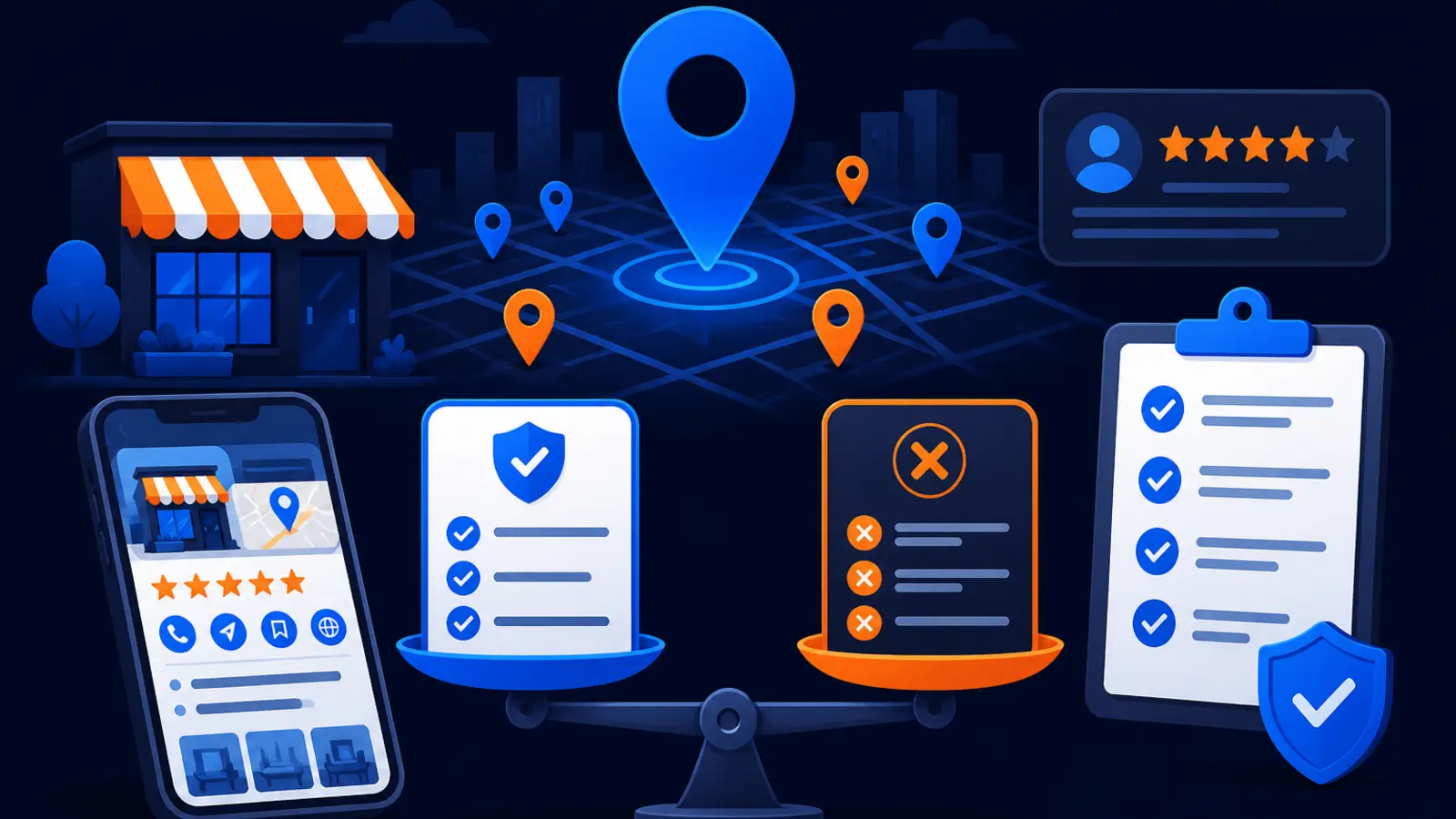
Choose the provider that improves the signals Google actually uses
Pick a Maps domination provider that works on your Google Business Profile, your service-area strategy, your reviews, your local prominence, and your measurement. Do not pick a company that says it can buy you a better Maps ranking, guarantee that your profile will show at all times, or move you to the top because it has a special relationship with Google.
Google Business Profile Help says local results are mainly based on relevance, distance, and prominence. Google also says there is no way to request or pay for a better local ranking on Google. That means the right provider should be able to explain what it will improve, what it cannot control, and how it will measure progress across the places your customers search from.
For a local owner, the simple test is this: if the pitch sounds like paid placement, walk away. If it sounds like careful profile work, review growth, location strategy, local authority, and transparent grid reporting, keep asking questions.
What to look for before you sign
A good provider should make the work visible enough that you are not guessing. You should know who owns the profile, what changes are being made, when edits are submitted, how rankings are measured, and how phone calls or customer actions are reported.
Google Business Profile Help says verifying a Business Profile tells Google that the business representative is authorized, so the profile is more likely to show up in search results. It also says complete and accurate profile information is more likely to show up in local search results, while inaccurate information may stop a profile from appearing for relevant local searches.
Use these checkpoints to separate real Maps work from a vague ranking pitch:
- ▸You keep owner access to your Google Business Profile.
- ▸The provider reviews your primary category before changing anything.
- ▸Your services, service areas, hours, phone number, website, and address settings are checked for accuracy.
- ▸Profile edits are documented, not hidden.
- ▸Review requests follow Google policy and do not offer incentives.
- ▸Ranking reports show visibility from multiple points in your market, not just one search from one device.
- ▸Performance reports include views, clicks, calls, direction requests, or other available customer actions.
- ▸The provider explains what Google controls and what the provider controls.
Make sure the provider understands service-area rules
Service-area businesses need extra care because the wrong setup can limit visibility or create policy risk. Google Business Profile Help says service-area businesses should have one profile for the central office or location with a designated service area. Google also says the boundary of a service-area Business Profile usually should not extend farther than about two hours of driving time from where the business is based.
This matters for plumbers, HVAC companies, roofers, mobile mechanics, locksmiths, electricians, cleaners, and other businesses that travel to customers. A provider should not simply stuff every nearby city into the profile and call it strategy. It should decide where you can realistically serve, where you already have proof of local relevance, and where your website and profile support the work you want.
Ask how the provider handles service-area setup for businesses like yours:
- ▸Does it use one profile for the real office or base location when that is the correct setup?
- ▸Does it avoid fake offices, virtual addresses, and locations that customers cannot visit?
- ▸Does it map your true service radius before changing profile settings?
- ▸Does it match profile services to real services customers can buy?
- ▸Does it explain why some towns may need website support before Maps visibility improves?
Categories and services should be specific, not stuffed
Google Business Profile Help says Business Profile categories affect local ranking and that businesses should select a specific primary category from Google’s list. That primary category is one of the highest impact decisions on the profile. A provider should know how to choose the category that best matches your main revenue service, not just the broadest label available.
Google Business Profile Help also says service businesses can add services to a Business Profile, create custom services, and add details such as price and description. That does not mean every keyword belongs in the profile. It means the services should describe what you actually do in terms customers and Google can understand.
A practical profile cleanup should include these category and service checks:
- ▸Is the primary category the closest match for your main service?
- ▸Are secondary categories relevant, or are they diluting the profile?
- ▸Do listed services match real work you perform?
- ▸Are custom services written clearly instead of keyword-stuffed?
- ▸Do service descriptions help customers understand what is included?
- ▸Are prices used only when they are accurate and useful?
Review growth has to follow Google policy
Reviews are a major trust signal for customers, and Google is still the review site many local buyers check first. BrightLocal’s 2026 Local Consumer Review Survey says Google remained the leading review site, with its review-site share changing from 83 percent in 2025 to 71 percent in 2026. Even with that change, Google reviews still matter because they appear directly beside your profile when a customer is deciding who to call.
The provider you choose should help you ask consistently, make the process easy, and respond professionally. It should not offer rewards, discounts, free services, or other incentives for reviews. Google’s Maps content policy prohibits merchants or users from offering payment, discounts, free goods, or services in exchange for a review or for revision or removal of a negative review.
Digital Domination offers a 5-Star Review System for owners who want a simple review process. It is $297 per month, has no setup fee, can be canceled anytime, and is billed monthly through Stripe. Whether you use that system or another compliant process, the goal is steady, honest feedback from real customers.
Geo-grid reporting shows where you show up, not just whether you rank once
A single rank check is not enough for Maps. Two customers can search the same phrase from different neighborhoods and see different results because distance is part of local ranking. That is why geo-grid tracking is useful: it checks rankings across a map so you can see where visibility is strong, weak, or moving.
Local Falcon says local search grids commonly use 5x5, 7x7, or 9x9 layouts, corresponding to 25, 49, or 81 ranking data points across a radius. Digital Domination’s free GeoGrid scan checks 169 real Google results across the service area. That wider scan gives a local owner a clearer picture of visibility across the market before deciding what to do next.
When you review a geo-grid report, look for simple answers:
- ▸Where do we already appear in the Map Pack?
- ▸Where are we missing despite serving that area?
- ▸Which keywords matter most for calls and leads?
- ▸Are weak spots tied to distance, category fit, reviews, website support, or competition?
- ▸Are reports repeated on a schedule so we can see movement over time?
Transparent reporting is not optional
Google Business Profile Help says Business Profile performance data is available only for verified Business Profiles and includes views, clicks, and other customer interactions on Search and Maps. Google’s Business Profile third-party policy also requires third parties to give customers access to Business Profile management cost and performance reports.
That means a Maps provider should not hide behind vague statements like “traffic is up” or “the algorithm is moving.” You should be able to see what work was done and what changed in your visibility and customer actions. Some changes will take time, and some profile edits may not produce a visible jump right away, but the reporting should be clear enough that you can judge progress.
Digital Domination provides weekly GeoGrid tracking reports with visual proof of rankings and call volume for its Maps work. For any provider, the point is the same: you should not be forced to trust a black box.
Questions to ask before you sign
This is the one part of the sales call where you should slow down. A good provider will answer plainly. A risky provider will dodge, overpromise, or turn the conversation back to urgency.
Ask these questions before you sign anything:
- ▸Will I keep owner access to my Google Business Profile?
- ▸What primary category would you recommend for my business, and why?
- ▸How will you decide which service areas belong on my profile?
- ▸Do you ever use fake addresses, virtual offices, or rented locations for Maps rankings?
- ▸How do you ask customers for reviews without incentives?
- ▸What geo-grid size or scan method do you use to measure local visibility?
- ▸Will I receive reports that show profile changes, rankings, calls, and customer actions?
- ▸How do you handle Google edits that are pending, rejected, or changed by outside sources?
- ▸What parts of the work are controlled by you, and what parts are controlled by Google?
- ▸Do you claim you can pay Google for better local placement?
Watch for red flags in the pitch
Google’s Business Profile third-party policy lists guarantees of top placement and claims that profiles will appear in Search or Maps at all times as false, misleading, or unrealistic claims. That is an important distinction for buyers. A provider can be accountable for its process, reporting, and business terms, but it should not tell you that Google will show your profile everywhere, every time, because you paid an agency.
Google Business Profile Help also says edits to a verified Business Profile usually take up to 10 minutes to review but sometimes can take up to 30 days. Google also says it gathers Business Profile information from sources such as user reports and licensed content and may update profile information based on those sources. In plain English, profile management is ongoing, not a one-time switch.
Be careful if you hear any of these claims:
- ▸We have a paid shortcut into the Map Pack.
- ▸You will show up number one everywhere by next week.
- ▸You do not need access because we handle everything privately.
- ▸Reviews are easy because we reward customers for leaving them.
- ▸We can create extra locations even if you do not operate there.
- ▸You do not need grid tracking because one ranking screenshot is enough.
- ▸Google will never change your profile once we optimize it.
When the cheaper or DIY path makes sense
Not every owner needs a full Maps program right away. The cheaper or DIY path can make sense if you already control the Business Profile, have the time to follow Google’s rules, and are comfortable checking your own data. For a simple business in a less competitive area, disciplined owner management may be enough to start.
The key is whether you can do the work repeatedly. Maps visibility is not just a setup task. It involves checking profile accuracy, watching for Google updates, requesting reviews properly, reading performance data, and comparing visibility from different parts of town.
DIY is a better fit if these are true:
- ▸You have owner access to the verified profile.
- ▸Your category and services are already clear.
- ▸Your service area is realistic and policy-safe.
- ▸You can request reviews from real customers without incentives.
- ▸You can check profile edits and Google updates on a recurring schedule.
- ▸You can read performance data and spot changes in calls, clicks, and views.
- ▸You can run or interpret local grid scans for your important searches.
How Digital Domination approaches Maps domination
Digital Domination is built for owners who want a measured Maps campaign instead of a mystery SEO package. The work starts with visibility measurement, including a free 169-point GeoGrid scan that checks 169 real Google results across the service area. That gives you a local baseline before a program is quoted.
Digital Domination accepts one client per trade per service area, which gives territory exclusivity. Pricing for the Maps Domination Program is set per market on a qualification call and tied to the ranking outcome. The company also shows Google Partner and Meta Business Partner badges on its roster page and has spent 20 years learning how businesses earn attention, authority, trust, and rankings online.
The fit is best for an owner who wants an accountable program, weekly GeoGrid tracking reports with visual proof of rankings and call volume, and a provider that treats Maps visibility as a market-by-market problem rather than a template.
See the program and start with a scan
If you are comparing providers, use this page as your checklist. The right choice should respect Google’s rules, explain profile work in plain language, build reviews without incentives, measure visibility across your service area, and report what changed.
To see Digital Domination’s offer, visit the Maps Domination Program page. It explains the program, who it fits, how market qualification works, and what kind of reporting you can expect. To start with measurement before a sales conversation, visit the free GeoGrid scan page and request the 169-point GeoGrid scan for your business.
Keep reading
Related guides
Put it into action
Frequently Asked Questions
How do I choose a Maps domination provider near me?
Choose a provider that works on your Google Business Profile, category, services, reviews, service-area setup, and local visibility reporting. Ask for geo-grid measurement, profile change notes, and performance reporting. Avoid anyone who says they can pay Google for better local placement.
Can a company guarantee top Google Maps placement?
Google’s Business Profile third-party policy lists guarantees of top placement and claims that profiles will appear in Search or Maps at all times as false, misleading, or unrealistic claims. A provider should explain what it controls, what Google controls, and how it measures progress. Be careful with any pitch that sounds like paid placement.
What is a geo-grid scan for local SEO?
A geo-grid scan checks local rankings from multiple points across your service area instead of from one location. This matters because Maps results can change by neighborhood. Digital Domination’s free GeoGrid scan checks 169 real Google results across the service area.
Is Google Business Profile optimization enough to rank in Maps?
Profile optimization is important, but it is usually not the whole job. Google says local results are mainly based on relevance, distance, and prominence. That means categories, services, reviews, local trust, website support, and location all matter.
Can I do Maps SEO myself?
Yes, if you control the verified profile, understand Google’s category and service-area rules, and can request reviews without incentives. You also need to check edits, monitor performance data, and measure visibility across your market. DIY works best when you can stay consistent.
What should a Maps SEO report include?
A useful report should show ranking visibility across a grid, customer actions from the Business Profile, calls where available, and the work completed on the profile. It should also explain what changed and what is being worked on next. One screenshot from one search is not enough.
Are review incentives allowed on Google?
No. Google’s Maps content policy prohibits offering payment, discounts, free goods, or services in exchange for a review or for changing or removing a negative review. A review system should make requests easy, but it should not reward the review.
What page should I visit if I want Digital Domination’s Maps service?
Visit the Maps Domination Program page to see how Digital Domination structures its Maps work and market qualification. If you want to start with measurement, visit the free GeoGrid scan page. The scan checks 169 real Google results across your service area.
Ready to dominate your map?
Top 3 in the Google Map Pack in 12 weeks, or you don't pay.